29
Press [ENT] to calculate the coordinates and
the raw data of the target point.
Enter a PT (and CD) value, and press [ENT] to
Record the point. The height of target is fixed to
0.0000 for the offset point.
7.5 INPUT HD
This function is useful when the instrument is very close to the point and it is difficult to take a
measurement using the EDM.
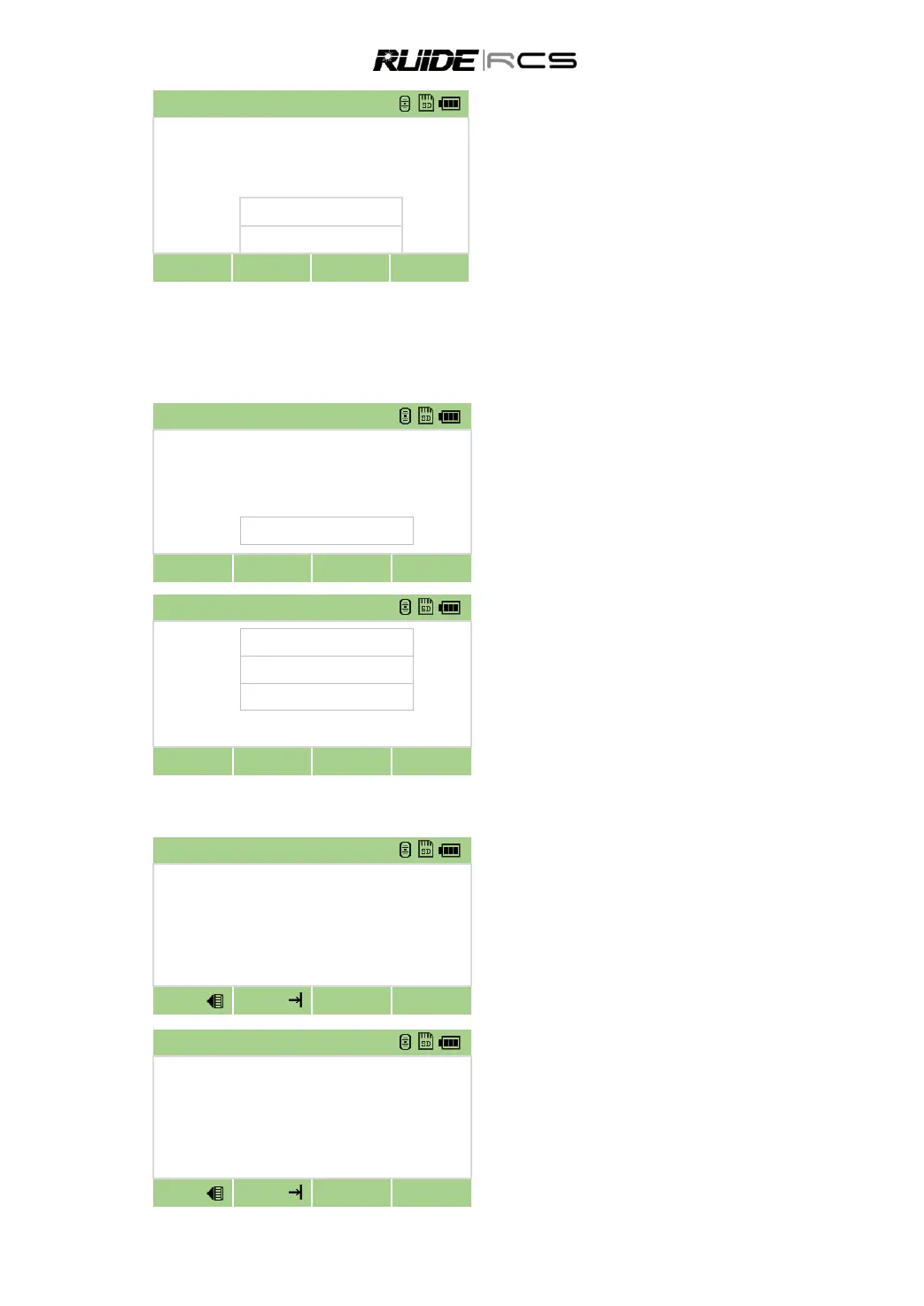
In [Offset] menu press [5] to enter to Input
HD function.
Turn the telescope in the direction of the
point that you want to store.
Enter the HD and press [OK].
Enter a PT (and CD) value and press [ENT],
The target point is calculated and recorded as an
SS record.
7.6 CALCULATE A CORNER POINT
In [Offset] menu, press [ ►] to display the
second page of Offset. Press [6] to enter the corner
point function.
Take a distance measurement to the first
point on the wall.
Take a distance measurement to the
second point on the same wall.
Take a distance measurement to the third
point on the second wall.
If the two walls are at right angles, press the
Calc softkey to calculate the corner point by three
points.



 To Next Page