49
11.6 MEMORY AND FORMAT
Users can view the memory status of the total station.
Format function includes formatting the total station memory, formatting the point name and code data.
12. CHECK AND ADJUSTMENT
This instrument has undergone a strict process of checking and adjustment, which ensures that it meets
quality requirement. However, after long periods of transport or under a changing environment, there may
be some influences on the internal structure. Therefore, before the instrument is used for the first time, or
before precise surveys, user should launch check and adjustment introduced in this chapter to ensure the
precision of the job.
12.1 PLATE VIAL
Check
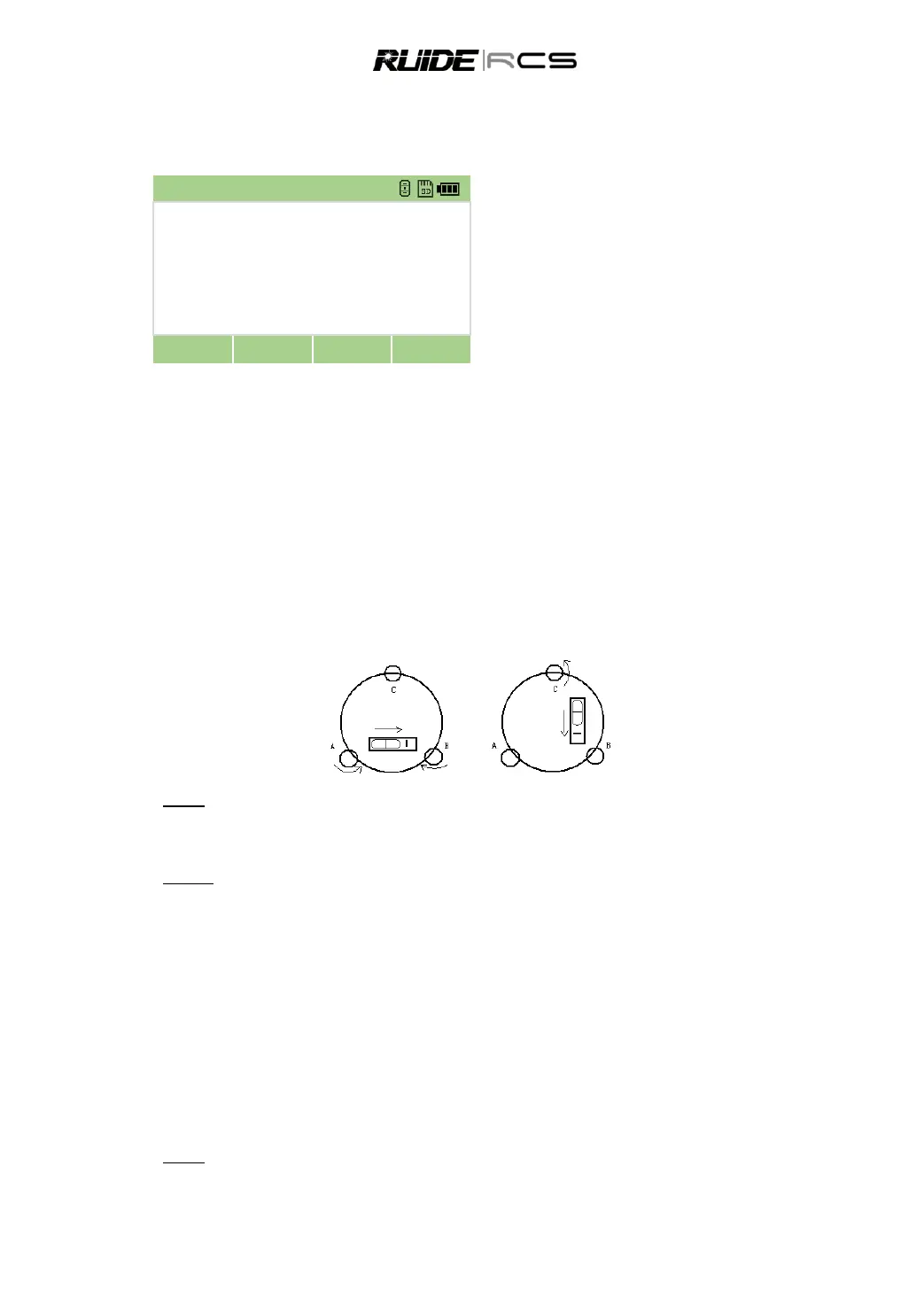
Please refer to Chapter 3.2 “Leveling by Using Plate Vial”
Adjust
1. Adjust leveling screws, make plate bubble centered;
2. Rotate the instrument 180° ; watch the offset of plate level;
3. Tweak adjustment screws (on the right of the plate vial) with the correction pin to make plate bubble to
move half of the offset back;
4. Rotate the instrument 180° , check adjustment result;
5. Repeat the steps above until the plate level is centered in all directions.
12.2 CIRCULAR VIAL
Check
No adjustment is required if the bubble of circular vial is in the center after checking and adjustment of the
plate vial.
1. Format internal memory



 To Next Page