24
Move the prism forward or backward
according to the arrowhead until all the values turn
to be 0.
Press [ENT] to record the stakeout point.
Press [Change] to stake out another point.
6.3 PARTLINE SO
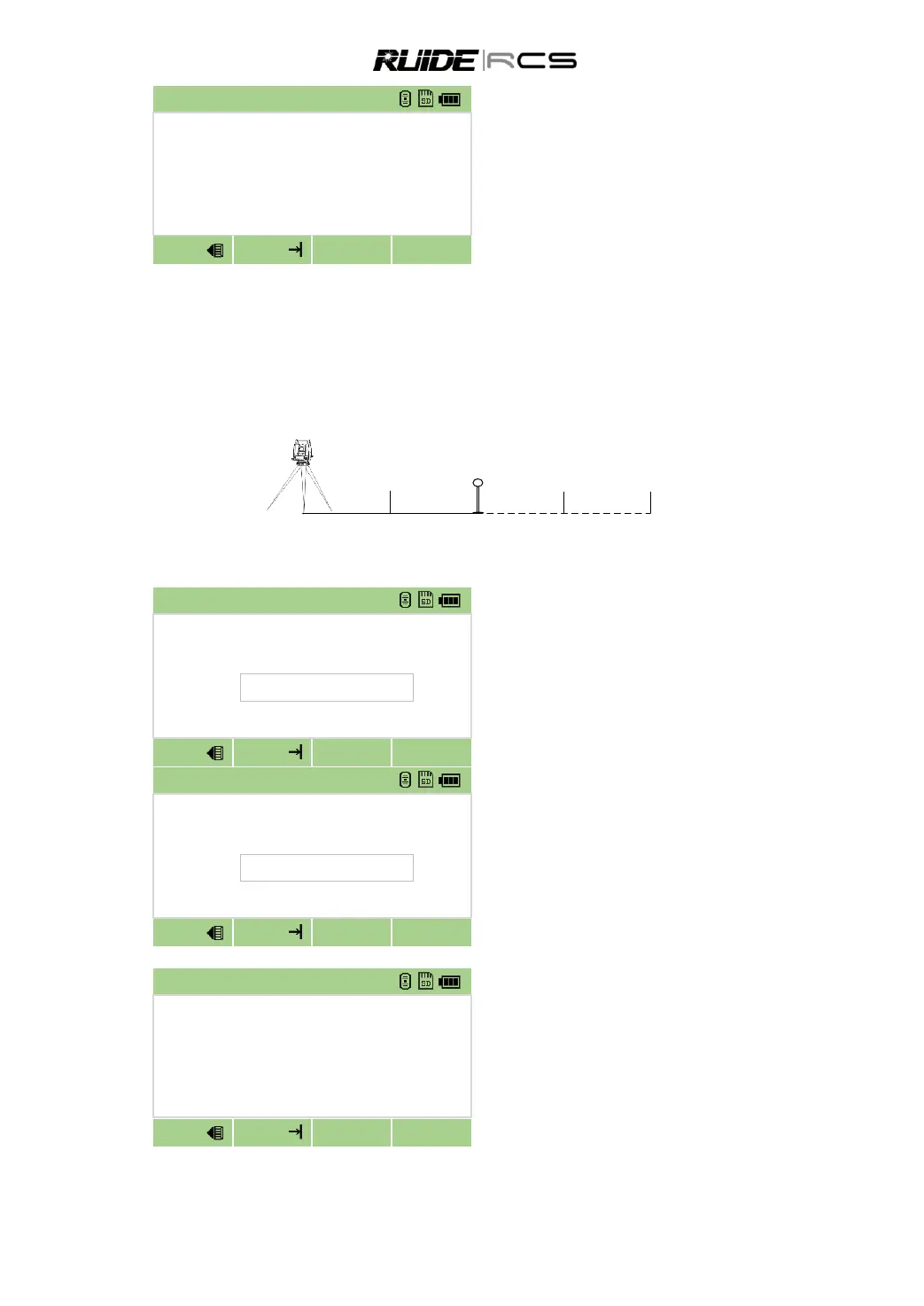
This function divides the line between the instrument and the target by an input span number. It then
guides you to stake out the points, one by one. For example, if you measure to the end point at 100 m
from the instrument and set the span total to 2, the following four points are calculated and can be staked.
<1/2> <2/2> <3/2> <4/2>
HD=
50m 100m 150m 200m
In SO menu press [3] to enter into PartLine
SO function.
Set up the baseline. Sight the target, and
press [MSR] to start survey. System set up a base
line between the instrument and the measured
point.
Enter the total partition number, and press
[SO].
The observation screen for the first stake
(from the instrument) appears.
Sight the prism and press [MSR].
Move the prism forward or backward
according to the arrowhead until all the values turn
to be 0.
Press [ANG] to stake out other points



 To Next Page