22
Press [OK], The result dialog box is displayed,
press [OK] to confirm.
To remeasure, press [Cancel].
When the HI is changed, the Z coordinate is updated before the station is recorded.
You must complete a station setup before you use the Height Transfer function.
5.5 CHECKING AND RESETTING THE BACKSIGHT DIRECTION
You must complete a station setup before you use the BS check function.
In [Stn Setup] press [5] to enter into Backsight
Check function.
Sight the BS point, and press [Reset] to reset
the horizontal angle to the HA set in last station setup.
Or press [Abrt] or [ESC] to cancel the process and
return to the basic measurement screen.
6. KEY
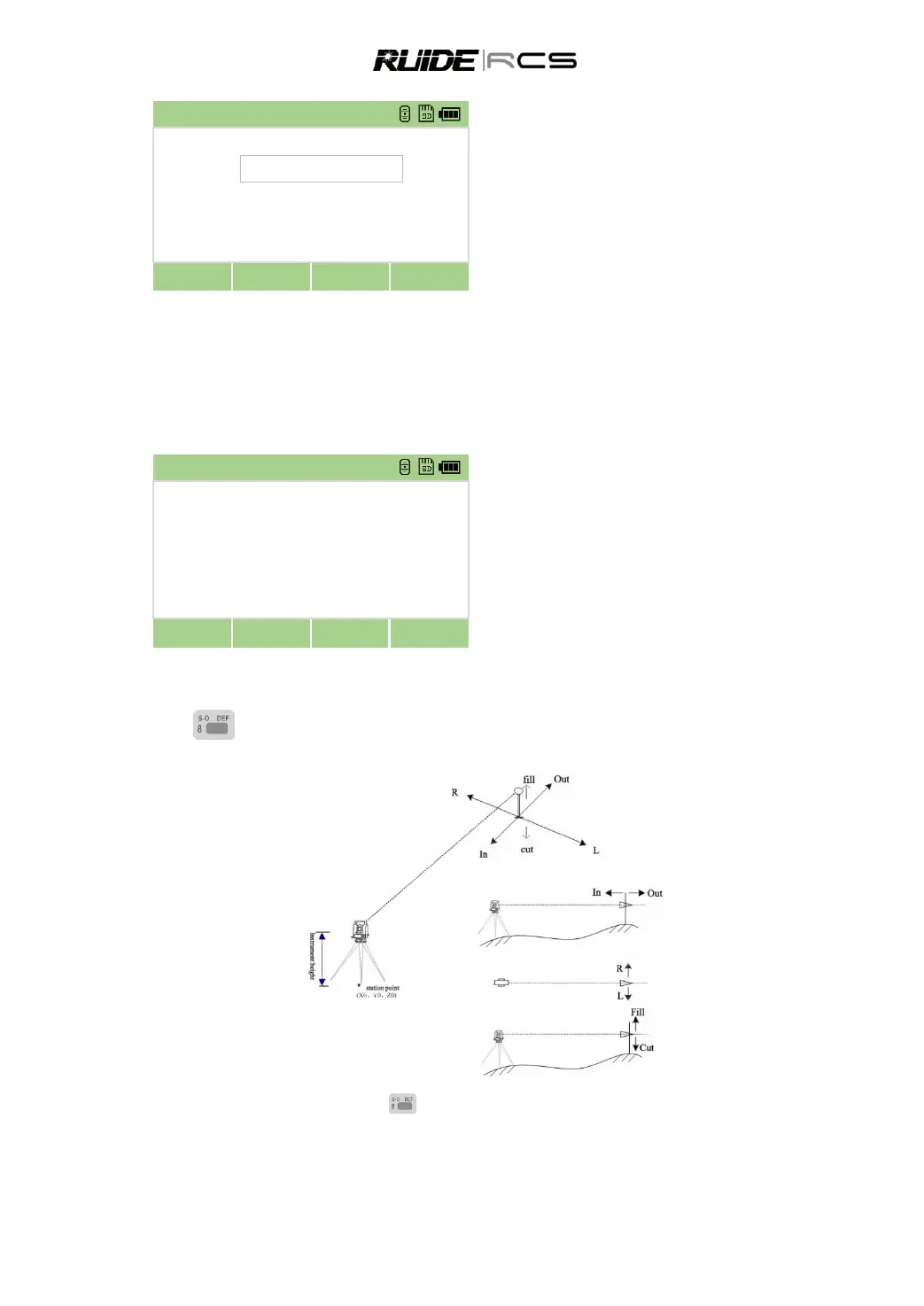
To display the Stakeout menu, press .
You should setup station and backsight azimuth before stake-out.
6.1 STAKE OUT ANGLE AND DISTANCE
Specifying the stakeout point by angle and distance.



 To Next Page