18
About determine backsight by inputting coordinates, there are two conditions: measuring to and not
measuring to the backsight point.
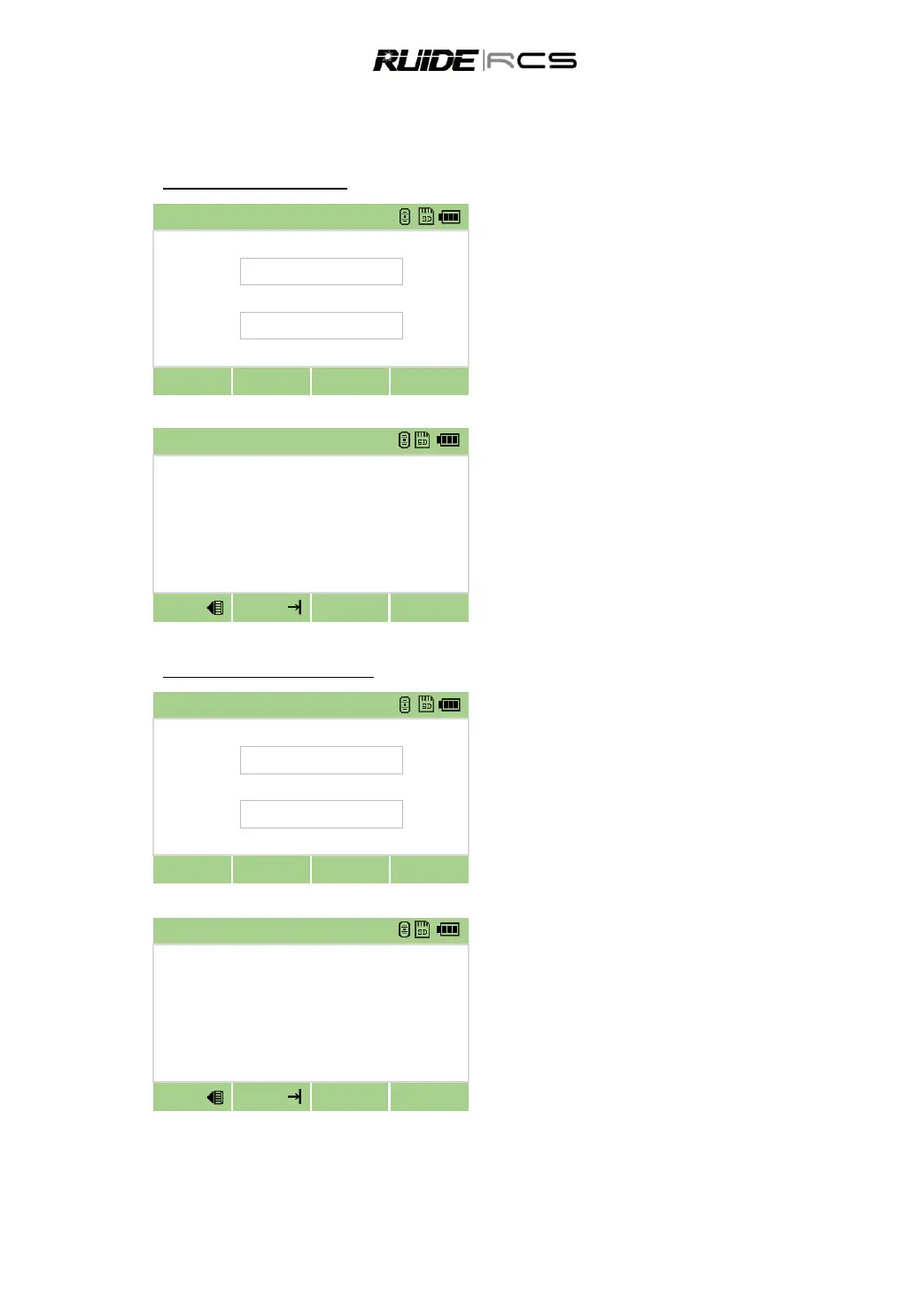
Measure the backsight point
Input the point name and target height, press
[Next]
Sight the BS on Face-1 (F1), press [MSR1] or
[MSR 2] to record a full shot (with HA/VA/SD value).
After Measuring, the result is displayed as showed below:
To determine the backsight point only by F1,
press [OK] to end measuring.
To determian the backsight point by F1/F2
measurement, press [F2], turn to Face-2, press [MSR]
to record another full shot.
Press [OK] to finish setting backsight.
Not measure the backsight point
Input the point name and target height, press
[Next]
The program calculates the azimuth and displays as below.
Sight the BS on Face-1 (F1), directly press [OK]
to finish setting the backsight.
Procedure records the station and raw data to
current job and finish setting up station. Screen
returns to basic measurement screen.



 To Next Page