System Operations Page 3-
overwrite/insert state, determining whether the entered text
will overwrite or be inserted into existing text.
Integer Edit Field
The Integer Edit Field allows whole numbers to be entered.
Number Edit Field
The Number Edit Field allows floating-point numbers with
decimal points to be entered. Some Number Edit Fields have
engineering units associated with them. If so, the units can
often be changed by pressing the F7 key to toggle through the
available unit options. Changing the units automatically
causes the contents of the field to be recalculated and
presented in terms of the new units. This allows numeric
information to be entered or viewed in alternate units of
measure.
If a number is too large to fit in the Number Edit Field, the
field will be filled with "#" characters.
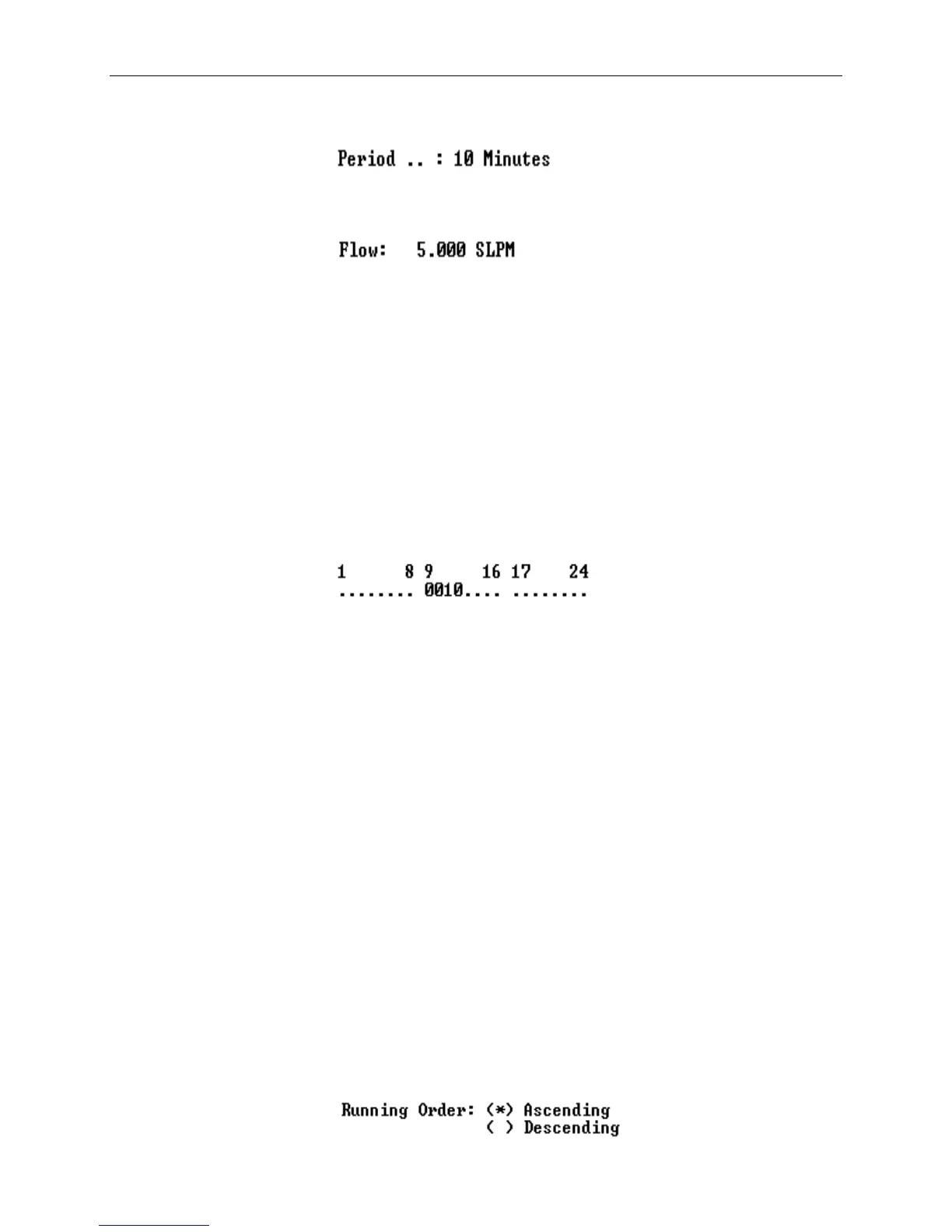
Digital I/O Field
Digital data, such as sequence status output or remote control
input assignments may be entered in Digital I/O Fields. These
fields are useful for entering groups of bits and usually
represent from two to 24 digital I/O bits. If there are more
that 8 bits in a field, they are separated into groups of eight
for clarity. The bit numbers are usually indicated above the
Digital I/O Field for reference.
Bits indicated by a "." (decimal point) have been assigned to
other uses (from the Digital I/O Group Assignments screen) and
are not available for entry or editing. Bits
available for editing are indicated either by a "1" (active)
or "0" (inactive).
Bits may be activated by entering "1", "Y" or "+", deactivated
by entering "0", "N", "-" or Space or toggled by entering a
decimal point. When a bit is changed with a "1", "0", "Y", "N"
or Space, the cursor automatically moves to the next bit
position. When changed with a "+", "-" or ".", the cursor
remains in the same position.
Radio Buttons



 To Next Page