5 - Information / Configuration
F@st™ 2804v2 Reference Manual - 253329475-A
Page 5-40 Sagemcom document. Reproduction and disclosure prohibited
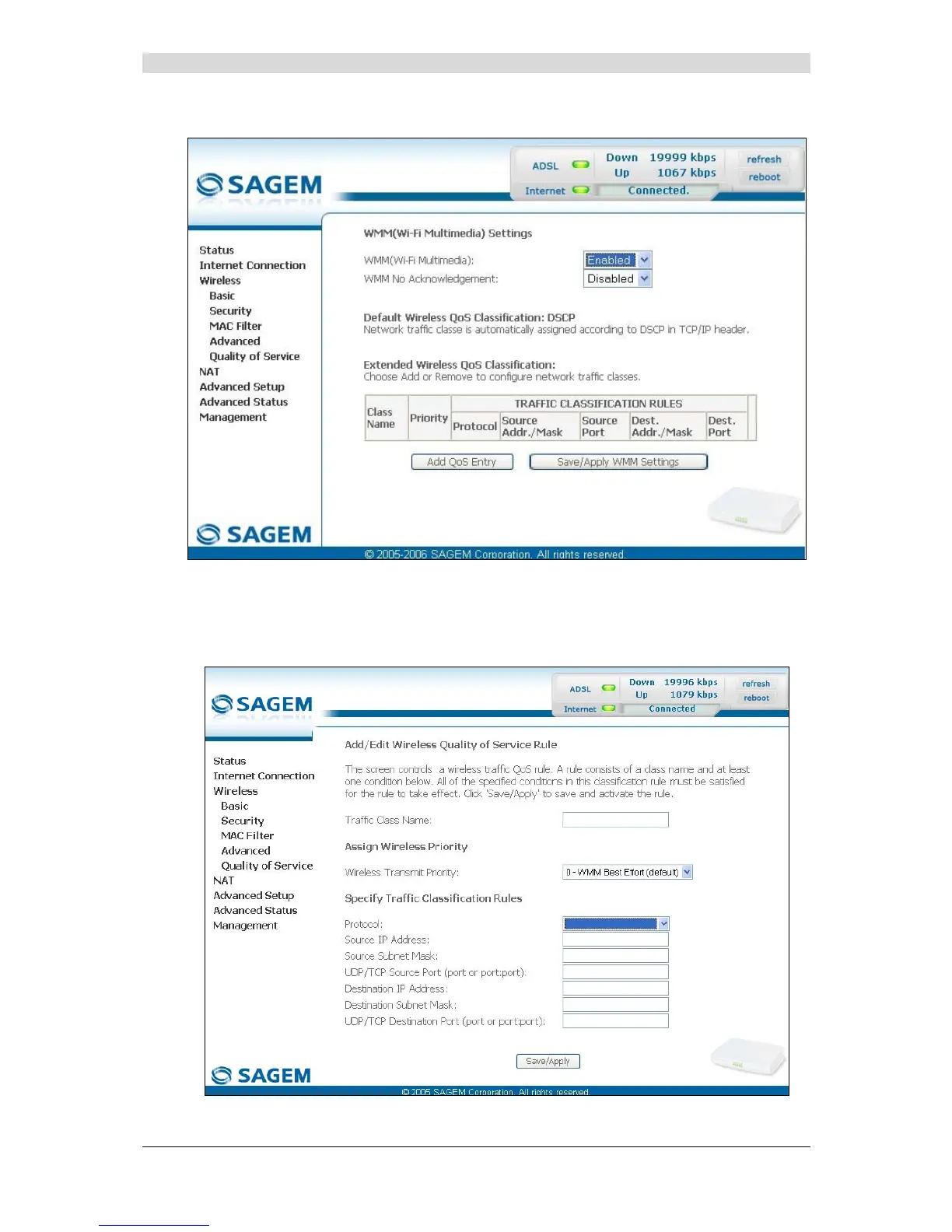
The following screen appears as soon as you activate "WMM".
Add
• Click on the Add QoS Entry button to add a Wi-Fi Quality of Service (wifi QoS) rule; the
following screen appears.



 To Next Page