SAM4s ER-265 Operator's and Programming Manual v1.14 Quick Setup 15
Quick Setup
Unpacking
1. Unpack and unwrap the cash register.
2. Locate in the packing the following items:
1 roll of paper
1 rewind spindle
1 set of control keys
3. Remove the cardboard protectors from the cash drawer.
4. Plug the register into a grounded outlet (three-prong), insert a control key and turn the
key to the REG control lock position.
Installing the Paper
Note: Beginning in 2011, the ER-265 printer was changed to the STM200 printer with drop-in
paper loading. Go to “Installing the Paper: Models with the STM200 Printer” on page 18 if your
ER-265 has the STM200 printer.
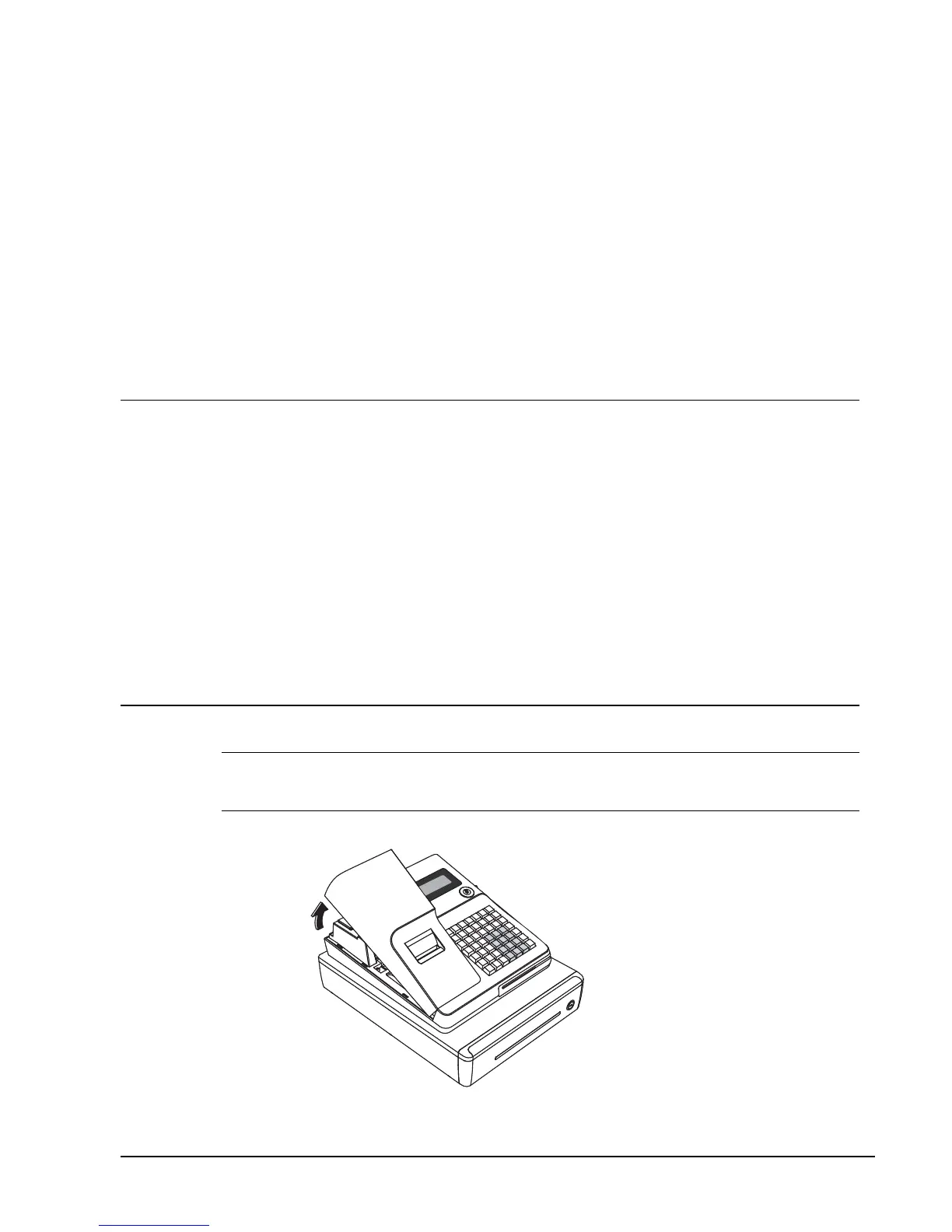
1. Remove the printer cover.



 To Next Page