SAM4s ER-265 Operator's and Programming Manual v1.14 Advanced Operating Instructions 47
Tendering a Cash Sale
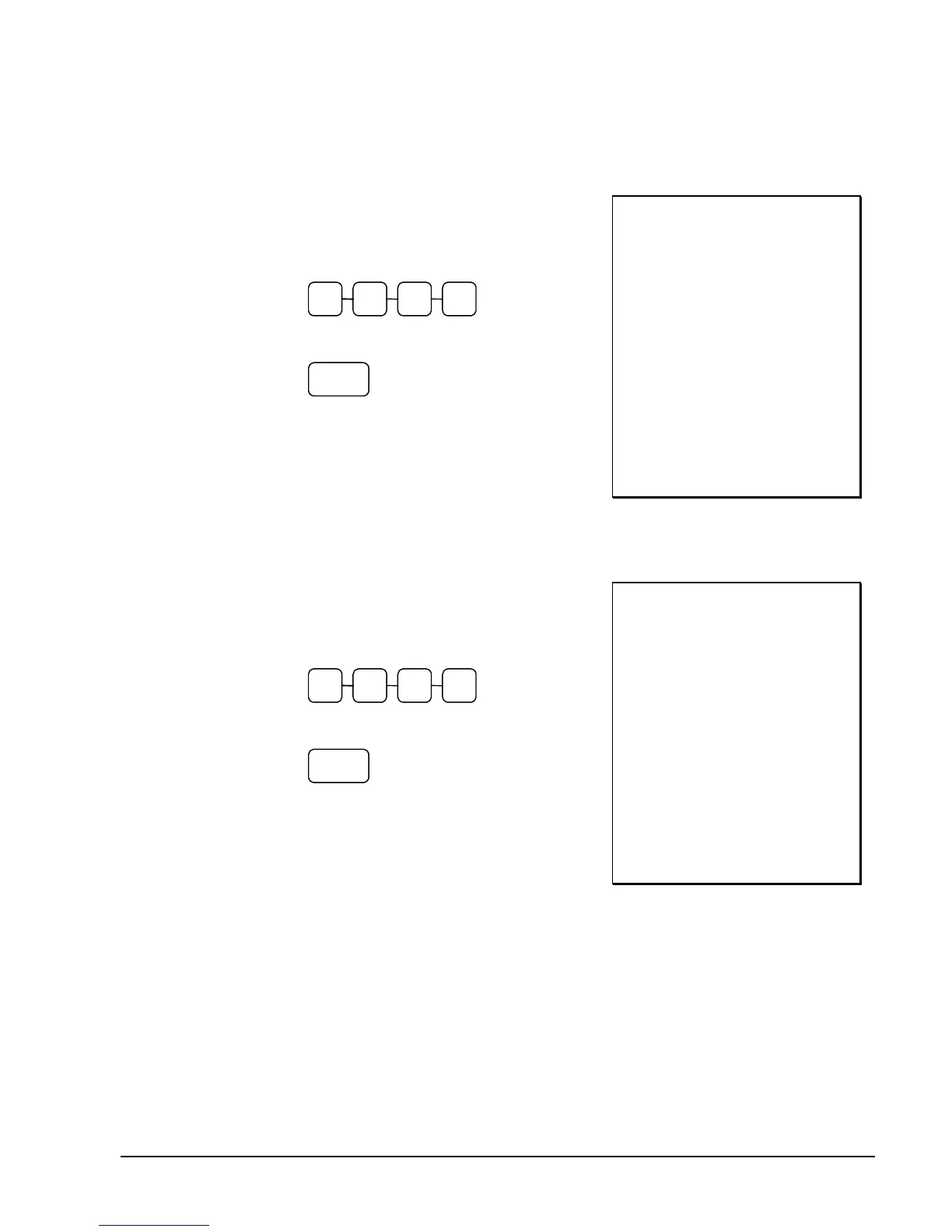
1. Register the items you wish to sell.
2. Enter the amount tendered by the customer.
For example, for $20.00 enter:
0 0 0 2
3. Press CASH/TEND:
CASH/
TEND
4. The display will indicate “C” for change,
the drawer will open and the receipt will
print as in the example on the right.
THANK-YOU
CALL AGAIN
DEPT.1 T1 $2.99
DEPT.1 T1 $2.99
4 X $1.99
DEPT.2 $7.96
SUBTOTAL $14.30
TAXABLE1 $5.98
TAX1 AMOUNT $0.36
TOTAL $14.30
CASH $20.00
CHANGE $5.70
15:40 03-01-2006
000053 CLERK 1 00
Tendering a Check Sale
1. Register the items you wish to sell.
2. Enter the amount tendered by the customer.
For example, for $20.00 enter:
0 0 0 2
3. Press CHECK:
CHECK
4. The display will indicate “C” for change,
the drawer will open and the receipt will
print as in the example on the right.
THANK-YOU
CALL AGAIN
DEPT.1 T1 $2.99
DEPT.1 T1 $2.99
4 X $1.99
DEPT.2 $7.96
SUBTOTAL $14.30
TAXABLE1 $5.98
TAX1 AMOUNT $0.36
TOTAL $14.30
CHECK $20.00
CHANGE $5.70
15:40 03-01-2006
000054 CLERK 1 00



 To Next Page