22 Quick Setup SAM4s ER-265 Operator's and Programming Manual v1.14
Basic Programming
This section covers the basic programming necessary to get your cash register running quickly. See
“Advanced Programming” on page 55 for if you wish to program options that are not included in this
section.
Setting the Date
The date sequence is Month-Day-Year.
1. Turn the control lock to the PGM position.
2. Enter the date in the format you have selected and press the X/TIME key.
3. Press CASH/TEND.
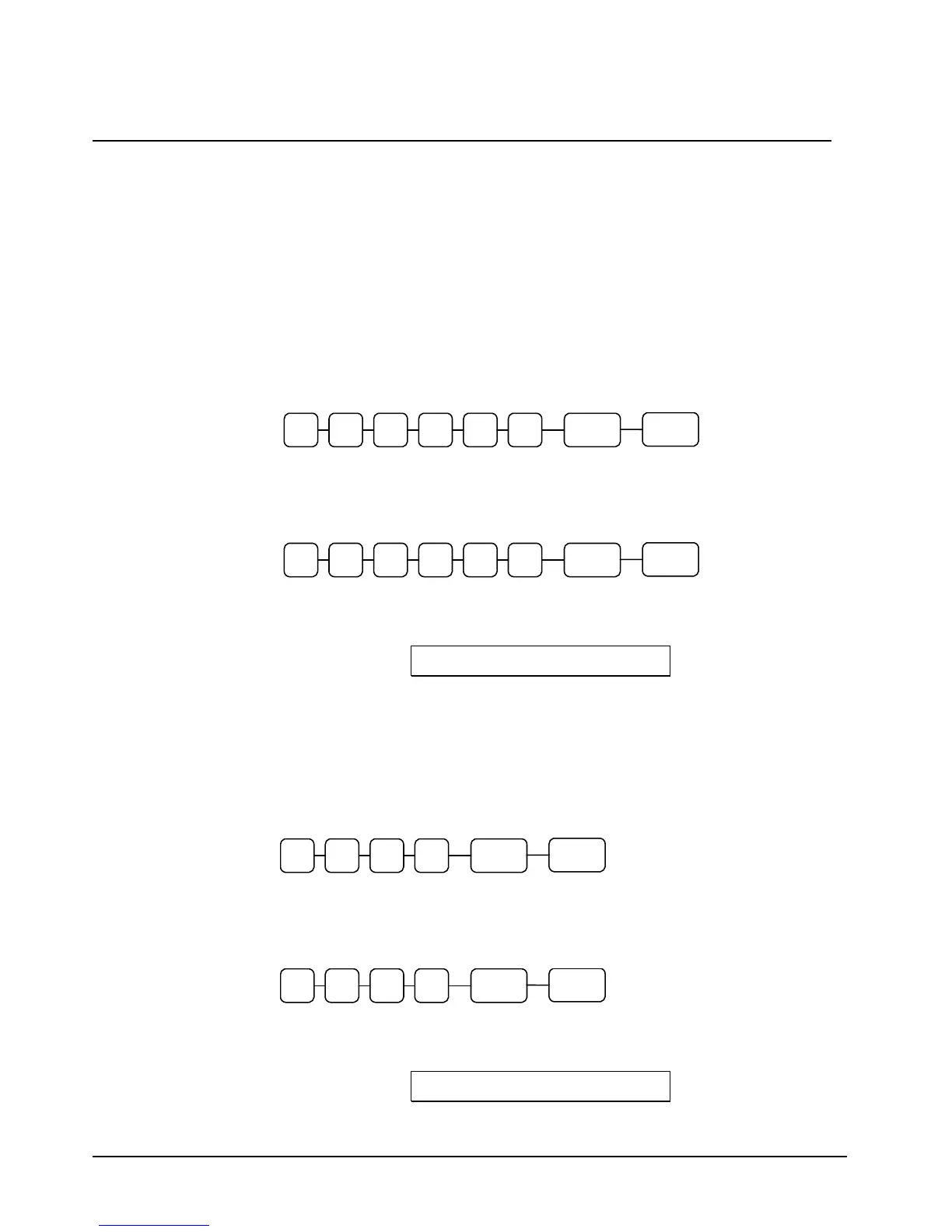
M M D D X/TIME Y Y
CASH/
TEND
Date Setting Example
If the date is March 1, 2006, enter:
0 3 0 1 X/TIME0 6
CASH/
TEND
The date you have entered will display and print on the printer:
03-01-2006
Setting the Time
Turn the control lock to the PGM position.
Enter the hour and minute in military time (24 hour time) and press the X/TIME key.
Note: Enter the time in 4-digit format, for example enter 7:25AM as 0725.
Press CASH/TEND.
H H X/TIME M M
CASH/
TEND
Time Setting Example
If the time is 3:25 PM, enter:
1 5 X/TIME 2 5
CASH/
TEND
The time you have entered will display and print on the printer:
15:25



 To Next Page