90 Advanced Programming Instructions SAM4s ER-265 Operator's and Programming Manual v1.14
Key Assignment Programming
Most users will use the default keyboard. Users with special needs can relocate department and
function keys with this program. Please note the following limitations:
If you assign a duplicate of a function or department code, the duplicate will function
exactly as the original – you will not get separate totals and counters on reports for the
duplicated key.
The following keys are fixed and must remain in their original locations: 0-9, 00,
Decimal, CLEAR, SUBTOTAL, CASH/TEND.
Functions and departments may be located anywhere on the keyboard, except the locations
reserved for the fixed keys.
To Assign a Key to a Location
1. Turn the control lock to the S position.
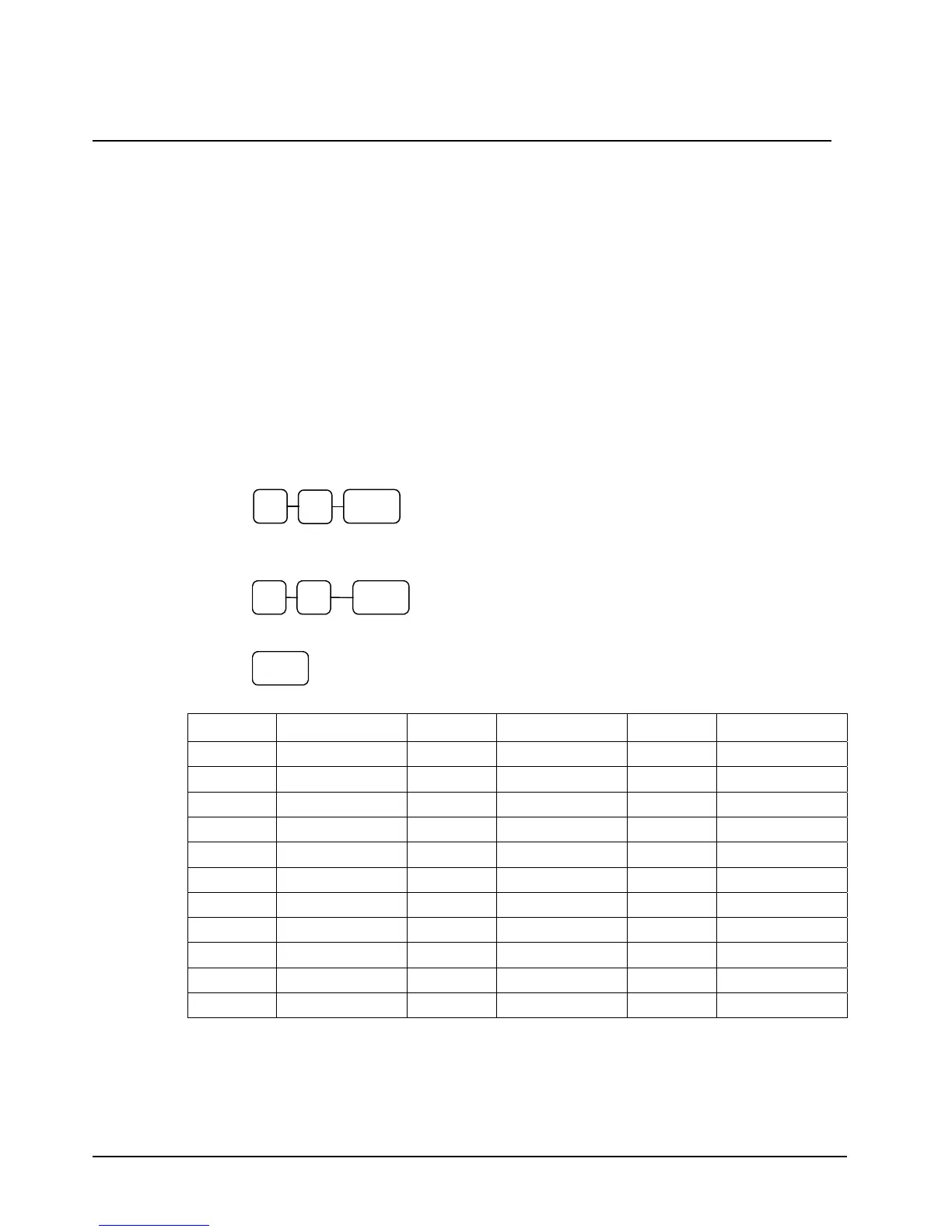
2. Enter 7 0 and press the SUBTOTAL key.
3. Refer to the chart below to find the code for the key you wish to assign. Enter the code
and press the location you wish to program. Repeat this step to assign another key.
KEY
4. Press the CASH/TEND key to finalize key assignment programming.
CASH/
TEND
Code Function Code Function Code Function
1 DEPT 1 11 DEPT 11 35 TAX
2 DEPT 2 12 DEPT 12 36 -%
3 DEPT 3 13 DEPT 13 37 +%
4 DEPT 4 14 DEPT 14 38 VOID
5 DEPT 5 15 DEPT 15 39 CANCEL
6 DEPT 6 29 (-) MINUS 40 C/CONV
7 DEPT 7 30 #/NS 41 ADD CHECK
8 DEPT 8 31 RETURN 43 X/TIME
9 DEPT 9 32 RA 44 PLU
10 DEPT 10 33 PO 45 CHARGE
34 CLERK 46 CHECK
0
SBTL 7



 To Next Page