56 Advanced Programming Instructions SAM4s ER-265 Operator's and Programming Manual v1.14
Programming Department Status
1. Turn the control lock to the PGM position.
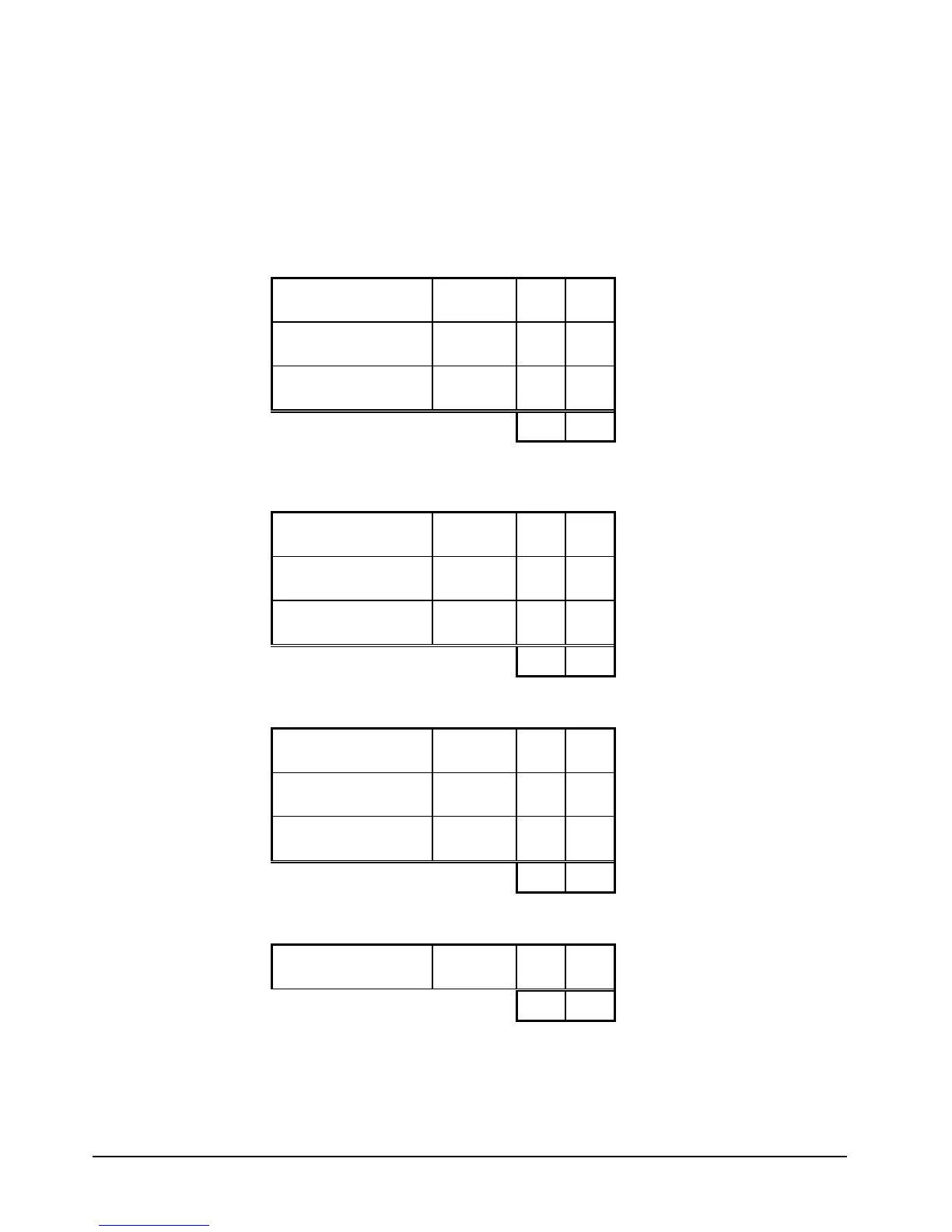
2. Enter 1 0 0, and then press the SUBTOTAL key.
3. Decide if you want a negative, enforced non-add entry, or disabled department. If you
do not want any of these department options, enter 0. If you wish to select any of
these options, complete the table below by adding the status digits for each option.
Enter the resulting digit.
Department is
Negative
Yes = 1
No = 0
+
Enforce Non-Add
Entry
Yes = 2
No = 0
+
Department is
Disabled
Yes = 4
No = 0
+
=
4. Decide if you want a preset or single item department. If you do not want any of
these department options, enter 0. If you wish to select any of these options, complete
the table below by adding the status digits for each option. Enter the resulting digit.
Department is Preset Yes = 1
No = 0
+
Allow Preset
Override
Yes = 2
No = 0
+
Department is Single
Item
Yes = 4
No = 0
+
=
5. Complete the tax status table below by adding the status digits for each tax. Then
enter the resulting tax status code.
Taxable by Rate 1? Yes = 1
No = 0
+
Taxable by Rate 2? Yes = 2
No = 0
+
Taxable by Rate 3? Yes = 4
No = 0
+
=
6. If you are using a kitchen printer and wish this item to print at the printer, select Yes
here.
Send KP? Yes = 1
No = 0
+
=
7. Press the X/TIME key.
8. Press the department you with to program.
9. Repeat steps 3 through 8 for each department you wish to program.
10. Press the CASH/TEND key to end programming.



 To Next Page