20 Quick Setup SAM4s ER-265 Operator's and Programming Manual v1.14
Clearing Memory
This step insures that the cash register is cleared of any totals or programming. After this
procedure, the cash register is ready for programming and operation.
WARNING: This is a one time procedure. Do not repeat this procedure after the cash
register is programmed; it causes all programs and totals to be erased.
Memory All Clear
1. Turn the power switch OFF.
2. Turn the control lock to the S position. (The S position is a hidden position one
position clockwise from the PRG position.)
3. Press and hold the SUBTOTAL key.
4. Continue to hold the SUBTOTAL key and turn the power switch ON. Then release the
SUBTOTAL key.
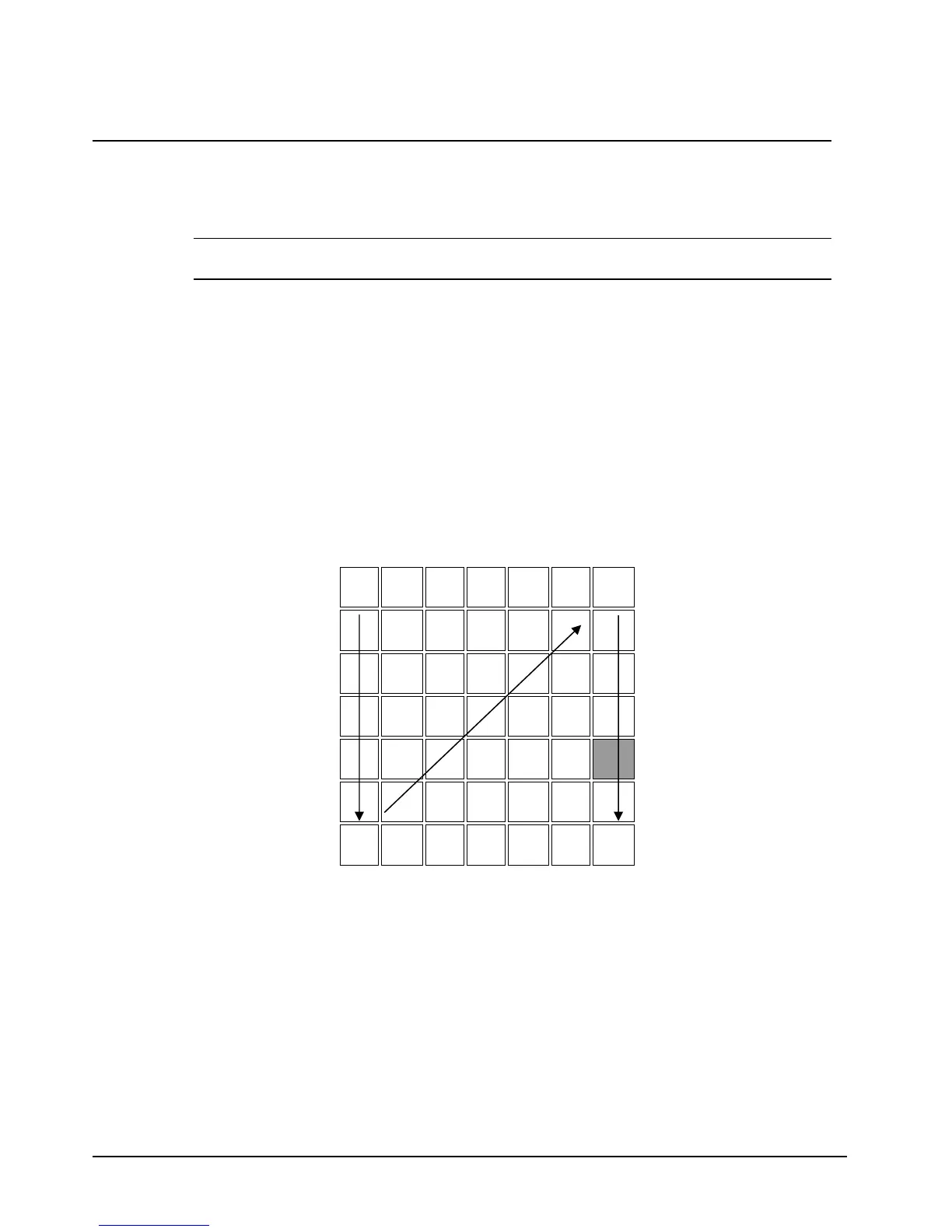
5. Press the upper left key of the keyboard, then the lower left key, then the upper right key,
and finally press the lower right key.
1
3
7 8 9
4 5 6
SUB
TOTAL
1 2 3
2
0 00 . 4
6. After a short delay, the printer will print the message: "RAM ALL CLEAR OK !"
Memory is cleared and the default program is installed.



 To Next Page