SAM4s ER-265 Operator's and Programming Manual v1.14 Advanced Programming Instructions 83
Programming Descriptions
Customer Logo
Without otherwise programming, the customer logo will print a two line message at the top of each
receipt:
THANK-YOU
CALL AGAIN
If you wish, you can replace this message with your own custom message. You can have both a
preamble message (top of receipt) and a postamble message (bottom of receipt). Each can be up to
6 lines long.
Programming a Custom Logo:
You can also program your logo using the Program Overlay method. See “Program Overlay” on
page 88.
1. Turn the control lock to the PGM position.
2. Press the X/TIME key.
3. Refer to the “Code Table” on page 87 and enter the two digits that represent each
character you wish. You can enter up to 32 character codes for each line.
4. Press the X/TIME key.
5. Enter the two digit number that represents the line of the message you wish to program:
11 ~ 16 : 1
st
Line ~ 6
th
Line (Preamble Logo)
21 ~ 26 : 1
st
Line ~ 6
th
Line (Postamble Logo)
6. Press the CHECK TEND key
7. Repeat from step 2 for each line you are programming.
8. Press the CASH/TEND key to end programming.
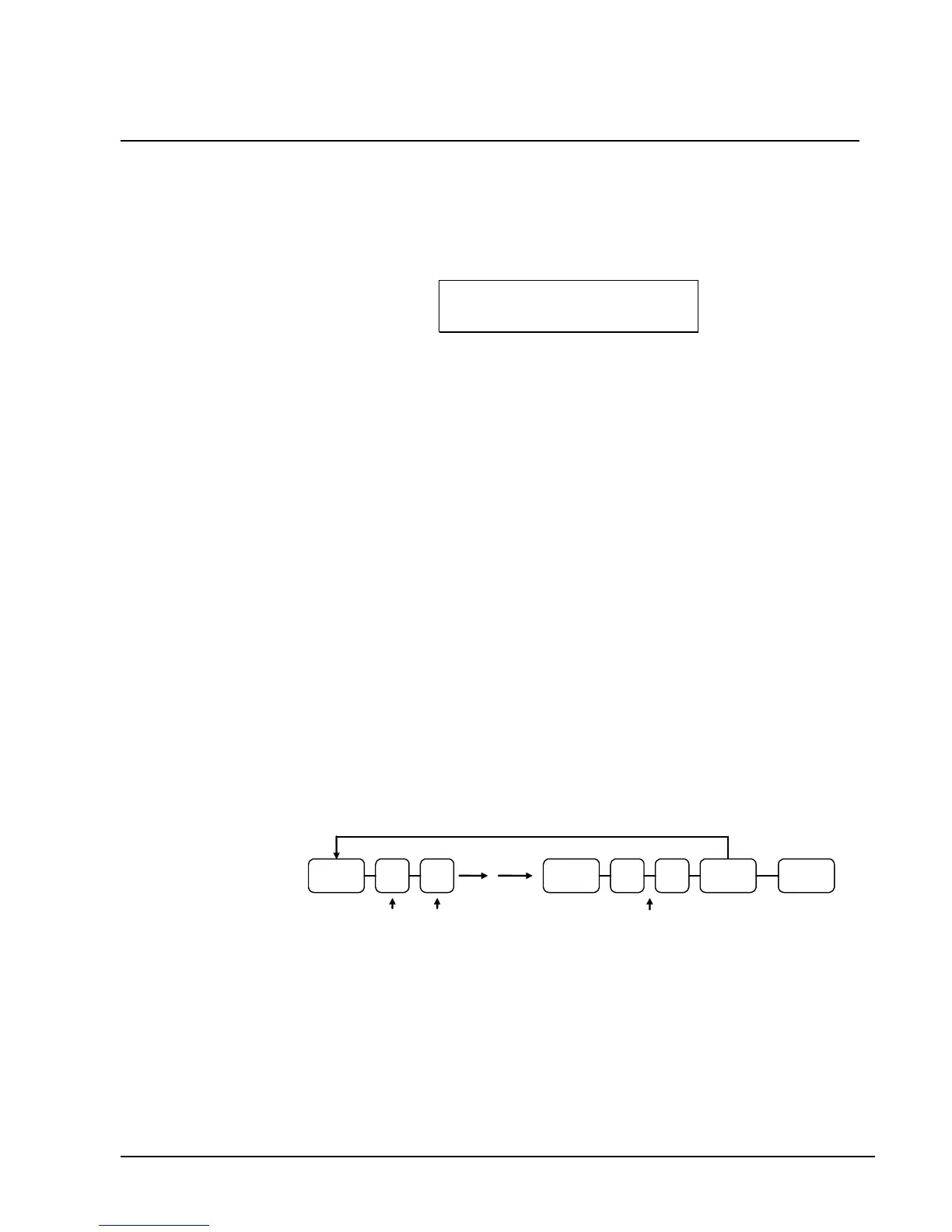
Logo Programming Flowchart
CHECK/
TEND
CASH/
TEND
Repeat for each Line of the Logo
Up to 32
2-digit
character
X/TIME
Line #
Code
X/TIME



 To Next Page