32 Advanced Operating Instructions SAM4s ER-265 Operator's and Programming Manual v1.14
Department Multiplication with Decimal Point
If you are selling items by weight, or if you are selling yard goods, you can multiply a fraction of a
unit.
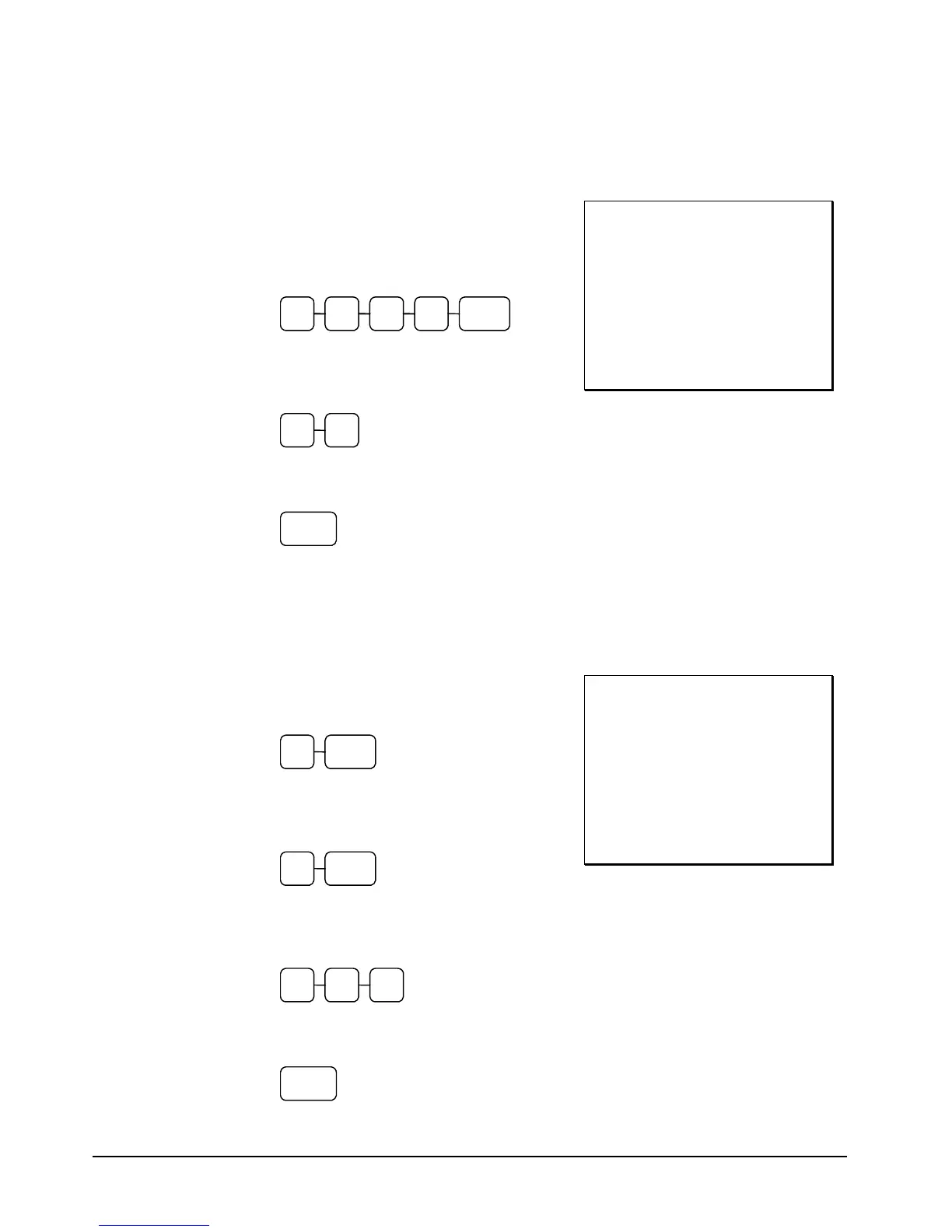
1. Enter the quantity purchased with the
decimal point, press the X/TIME key.
For example, for 3 ¾ pounds of produce,
enter:
5 X/TIME3 . 7
2. Enter an amount on the ten key pad. Do
not use the decimal key. For example, if
the price is $.99 per pound, enter:
9 9
3. Press a department key. For example,
press department 1:
1
THANK-YOU
CALL AGAIN
3.750 X $0.99
DEPT.1 T1 $3.71
TAXABLE1 $3.71
TAX AMOUNT $0.22
CASH $3.93
15:40 03-01-2006
000028 CLERK 1 00
Split Pricing
When items are priced in groups, i.e. 3 for $1.00, you can enter the quantity purchased and let the
register calculate the correct price.
1. Enter the quantity purchased, press the
X/TIME key. For example, enter:
2 X/TIME
2. Enter the quantity of the group price, press
the X/TIME key. For example, if the
items are priced 3 for $1.00, enter:
3 X/TIME
3. Enter an amount on the ten key pad. For
example, if the items are priced 3 for
$1.00, enter:
1 0 0
4. Press a department key. For example,
press department 1:
1
THANK-YOU
CALL AGAIN
2/3 X $1.00
DEPT.1 T1 $0.67
TAXABLE1 $0.67
TAX AMOUNT $0.04
CASH $0.71
15:40 03-01-2006
000029 CLERK 1 00



 To Next Page