EasyManua.ls Logo

Sam4s ER-265 - Running a Report

Sam4s ER-265
106 pages
Print Icon
To Next Page IconTo Next Page
To Previous Page IconTo Previous Page
Loading...
96 Contents SAM4s ER-265 Operator's and Programming Manual v1.14
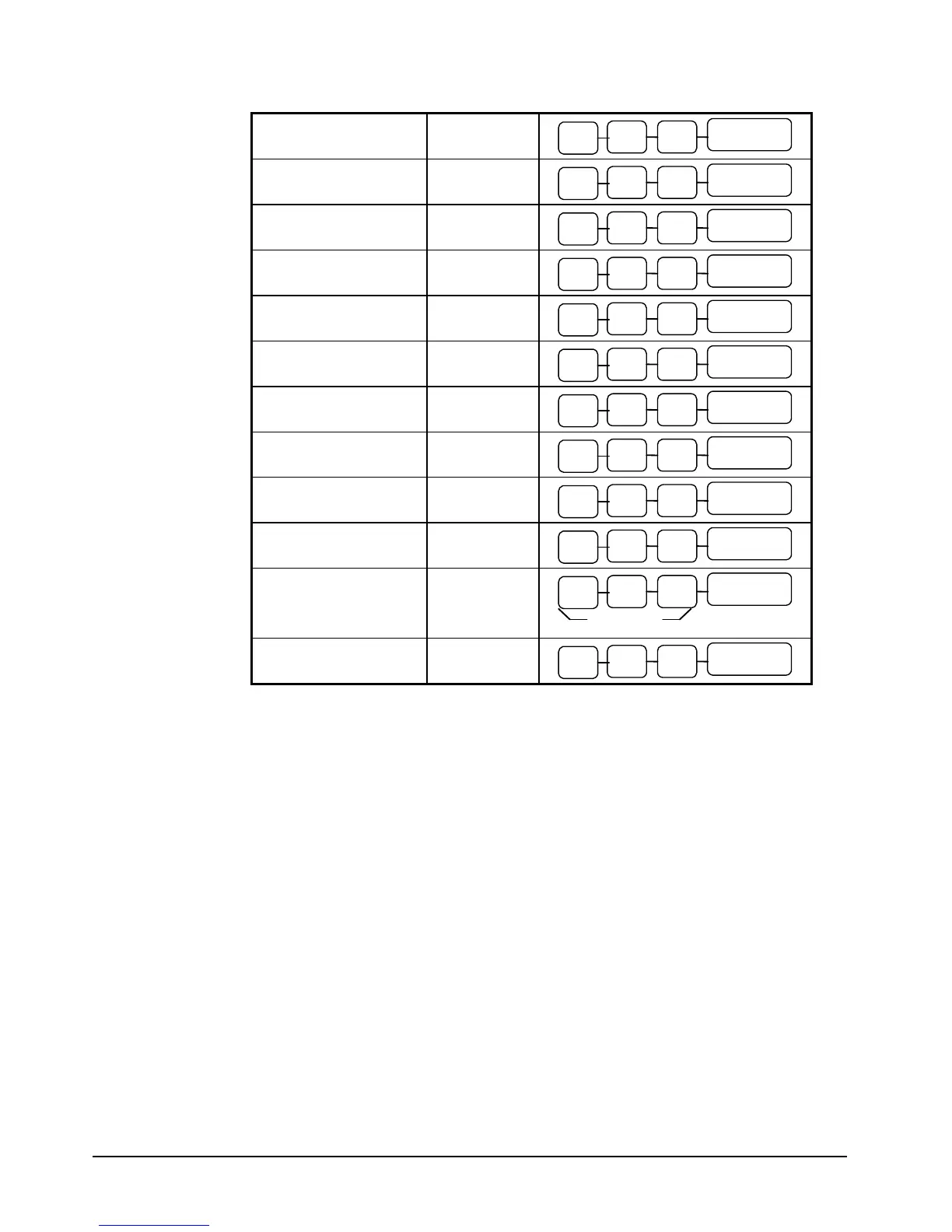
PRINT ALL EJ
(Electronic Journal)
X
CASH
0 0
3
PRINT EJ CASH
X
CASH
0 1
3
PRINT EJ CHECK
X
CASH
0 2
3
PRINT EJ CHARGE
X
CASH
0 3
3
PRINT EJ %
X
CASH
0 4
3
PRINT EJ RA/PO
X
CASH
0 5
3
PRINT EJ RETURN
X
CASH
0 6
3
PRINT EJ EC/VOID
X
CASH
0 7
3
PRINT EJ NO SALE
X
CASH
0 8
3
PRINT EJ CANCEL
X
CASH
0 9
3
PRINT EJ BY CLERK
X
401 ~ 410
CASH
EJ RESET
(Does not print)
Z
CASH
9 9
3
Running a Report
1. Find the report you wish to run from the table on the previous page.
2. Turn the control lock to the X or the Z position.
3. Press the appropriate key for the report you wish to run.

Table of Contents

Other manuals for Sam4s ER-265

Related product manuals