44 Advanced Operating Instructions SAM4s ER-265 Operator's and Programming Manual v1.14
No Sale Operations
Open Drawer
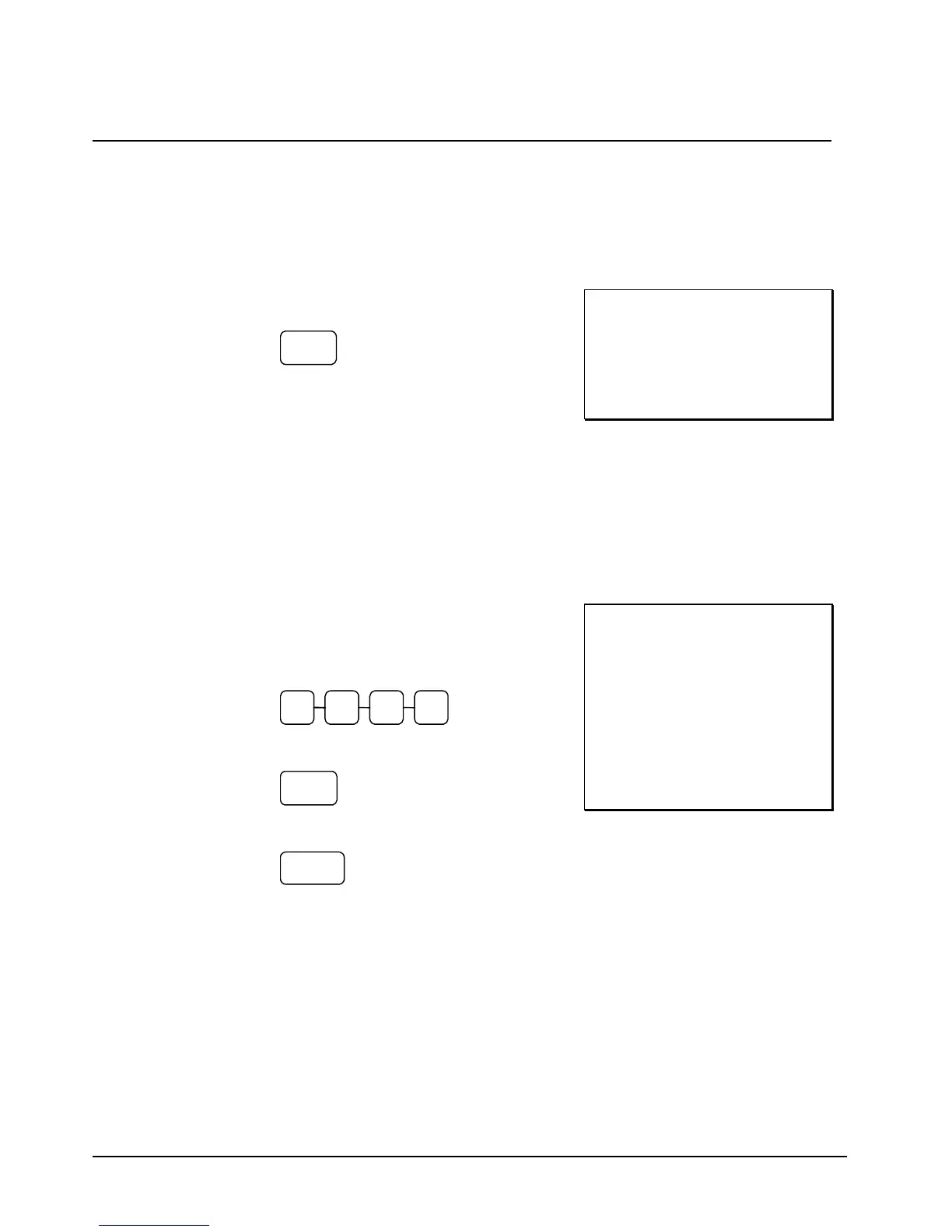
The #/NO SALE key will open the cash drawer when you have not already started a transaction.
1. Press #/NS:
#/NS
2. The drawer will open and the receipt will
print as in the example on the right.
THANK-YOU
CALL AGAIN
OPEN DRAWER
15:40 03-01-2006
000048 CLERK 1 00
Non Add Number
You can also use the #/NO SALE key to print any number (up to 8 digits) on the printer paper.
You can enter the number any time during a transaction. For example, if you wish to record a
charge account number, enter the number and press the #/NO SALE key before totaling the sale
with the CHARGE key.
1. Register the items you wish to sell.
2. Enter the number you wish to record, for
example enter:
2 3 4 1
3. Press #/NS:
#/NS
4. Press CHARGE:
CHARGE
5. The display will indicate “=” for total, the
drawer will open and the receipt will print
as in the example on the right.
THANK-YOU
CALL AGAIN
DEPT.1 T1 $2.99
NON ADD NO. 1234
TAXABLE1 $2.99
TAX1 AMOUNT $0.18
CHARGE $3.17
15:40 03-01-2006
000049 CLERK 1 00



 To Next Page