SAM4s ER-265 Operator's and Programming Manual v1.14 Quick Setup 17
Sale Journal/Detail
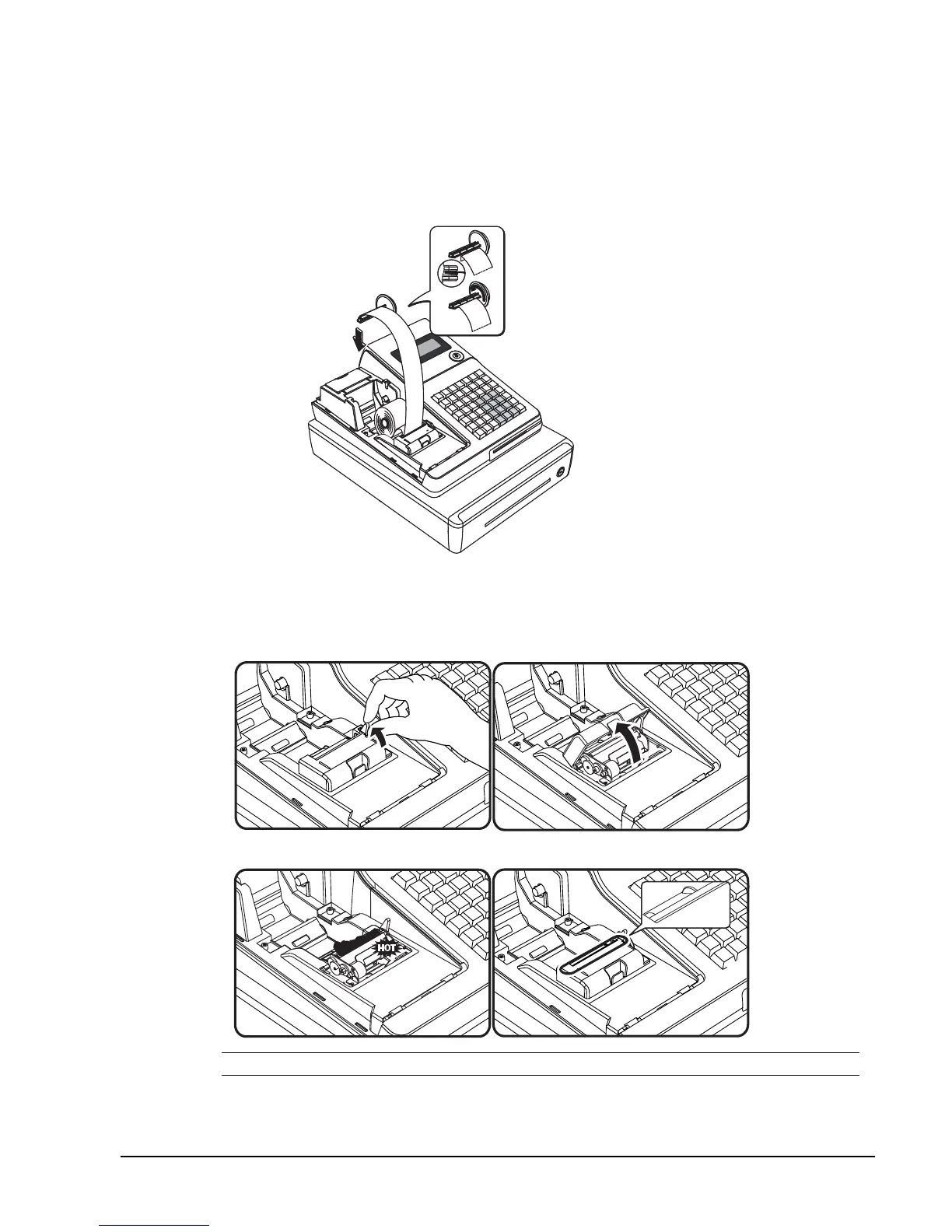
If you wish to use the printer to print a sales journal, insert the paper into the paper take-up spool.
Wind the paper two or three turns around the spool shaft and install the spool in the mount. (See
“System Option Programming” on page 60 and set Option #22 “Use Spool” to a status of “1”. This
will enable the journal pick-up spool and all journal rather than receipt printing.)
.
In case of Paper Jam
A. Open the paper lever and open the printer cap.
B. Remove the jammed paper.
CAUTION: The printer head is HOT and the tear bar is SHARP.



 To Next Page