8 Introduction SAM300 Reference Manual v1.0
Starting
Note: The software key must be installed on the USB port for SAM300 to access all of
the features of SAM300. Without the software key installed, only program save/load
features can be accessed.
1. Click the Start button, click Programs, click SAM300 and then click SAM300.exe.
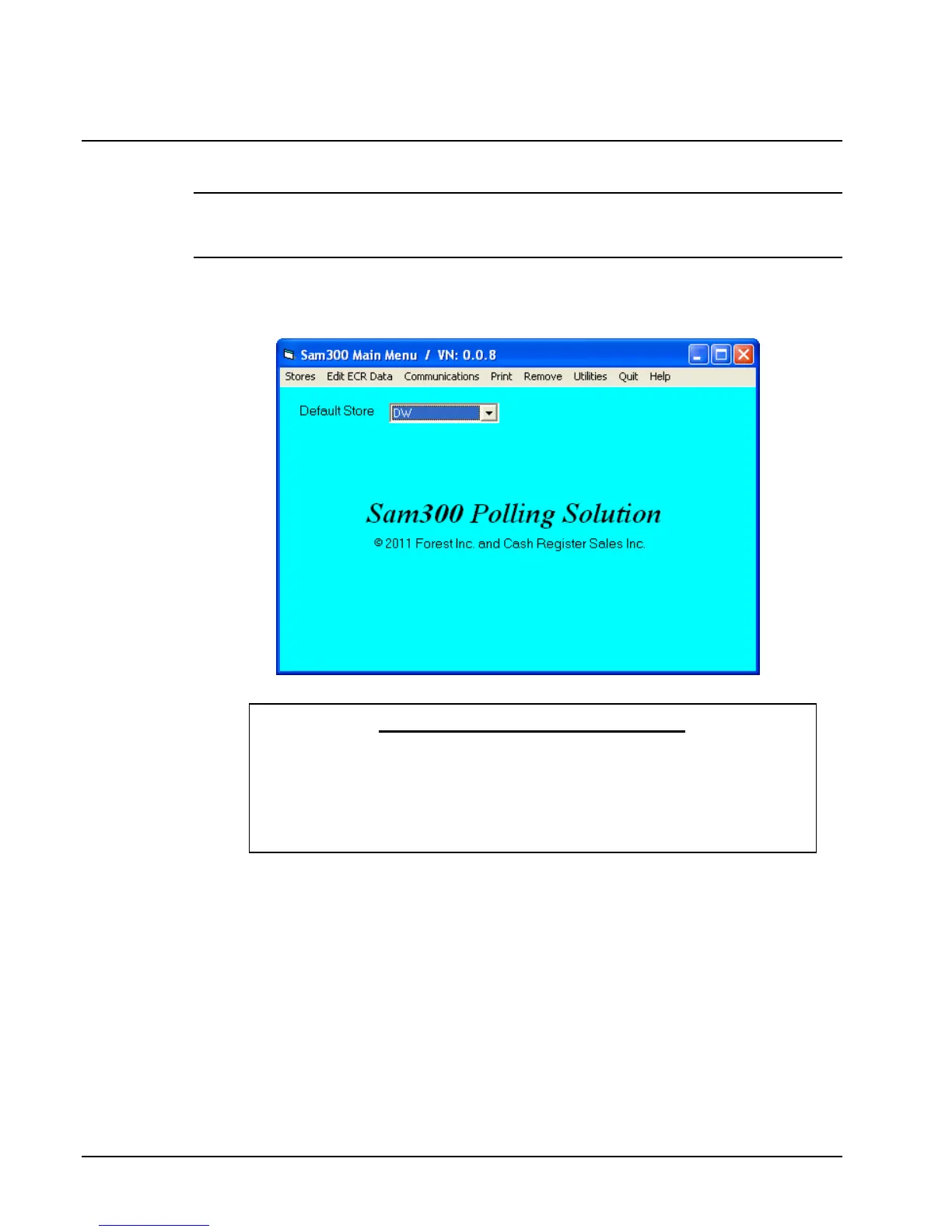
2. The SAM300 main screen displays.
YOU MUST DO THIS FIRST!
Before you can attempt communications or editing, you must create at least one
store. Refer to "Creating a New Store" on page 14.
After creating a store, you must Receive (Upload) information from the ECR.
Refer to "Receive Programs from ECR (Upload)" on page 41.



 To Next Page