SAM300 Reference Manual v1.0 Edit ECR Data 17
Edit ECR Data
Overview
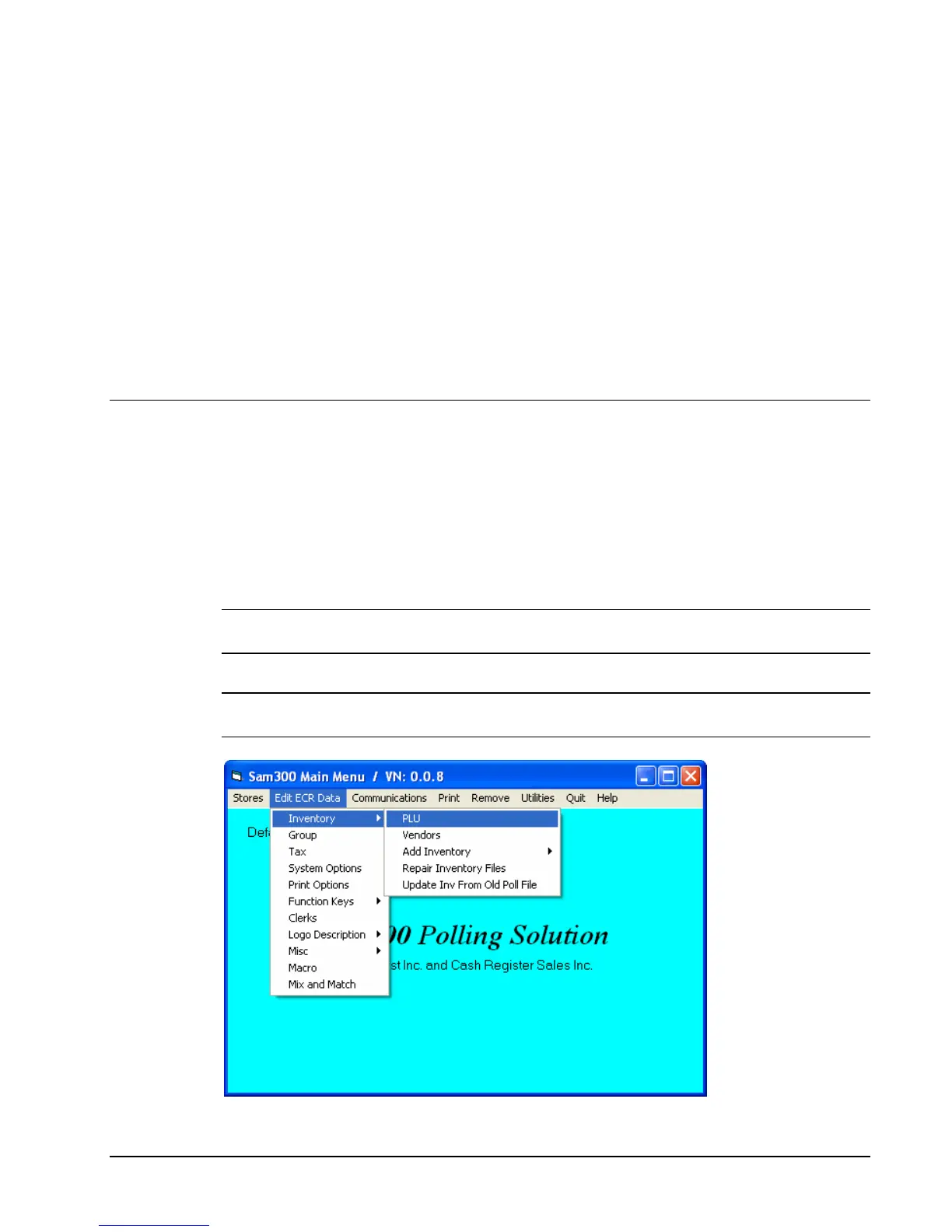
SPS-300 programs can be edited at SAM300 and then downloaded to the ECR.
From the Edit ECR Data menu select a specific item to modify that part of an existing
SAM4s SPS-300 program. Remember that the options in this program allow you to edit the
same program options that you set on a SPS-300 through the register's keyboard. SAM4s
SPS-300 programming options are not detailed in this manual. Follow the instructions on the
screen, or refer to the SAM4s SPS-300 Operator’s and Programming Manual for a complete
description of your program options.
Note: If you did not Upload programs from the ECR, you will get a message "The file does
not exist" or a runtime error if you attempt to select any of these options.
Note: If you wish to create a program for a new store from an existing one, you can use the
"Copy a Store" function (see page 60) and then edit the copied program to suit your needs.



 To Next Page