SAM300 Reference Manual v1.0 PLU/Inventory Maintenance 27
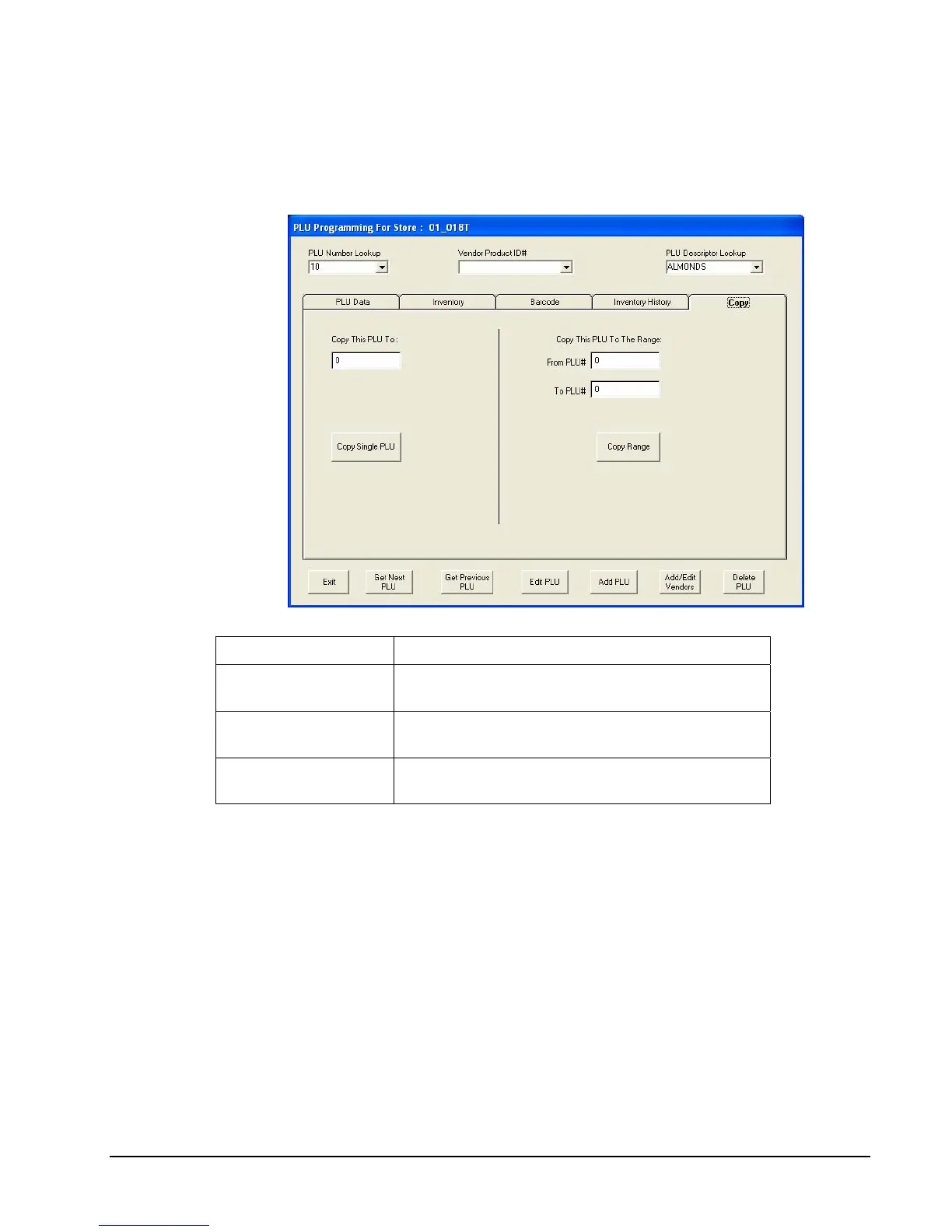
Copy PLU
You can copy the attributes of one PLU to another PLU, or to a range of PLUs using the
Copy tab. This function will assist you in setting a large number of PLUs with similar option
settings.
Field Description
Copy This PLU To
Enter the number of the PLU you want displayed
PLUs attributes copied to.
From PLU#
Enter the beginning number of the range of PLUs
you want the displayed PLUs attributes copied to.
To PLU#
Enter the ending number of the range of PLUs you
want the displayed PLUs attributes copied to.



 To Next Page