60 Utilities SAM300 Reference Manual v1.0
Copy a Store
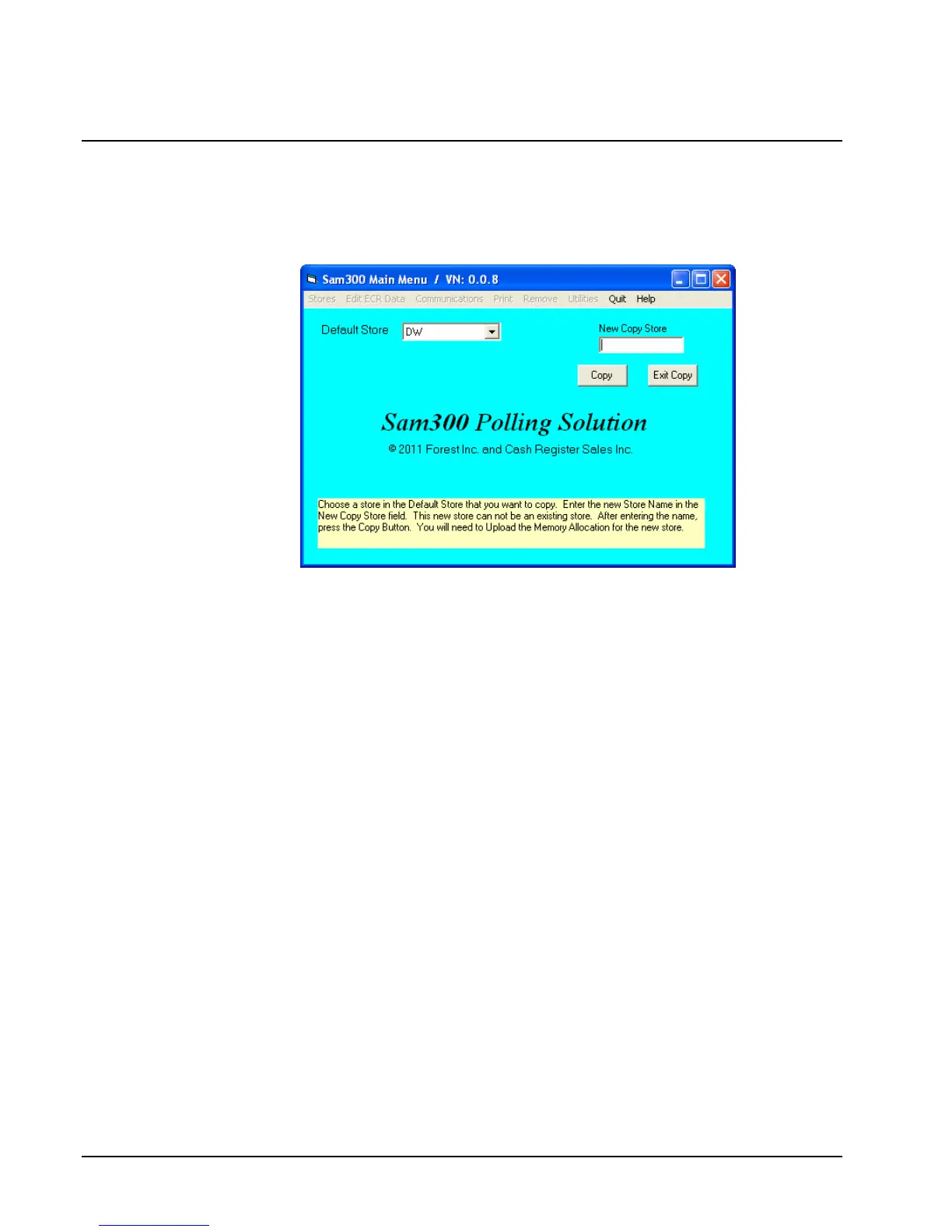
Use the Copy a Store function to create a new store with the identical attributes of an existing
store.
1. Choose Copy a Store from the Utilities menu.
2. Select the store that you wish to copy from by clicking the Default Store field drop-down
list box.
3. Enter the name of the store you wish to create in the New Copy Store field. Note that you
cannot copy a store to an existing store.
4. Click the Copy button to create the store. The new store will have identical attributes as
the default store.
5. Exit Copy will return you to the main menu without creating a new store.



 To Next Page