16 Stores SAM300 Reference Manual v1.0
Selecting the Default Store
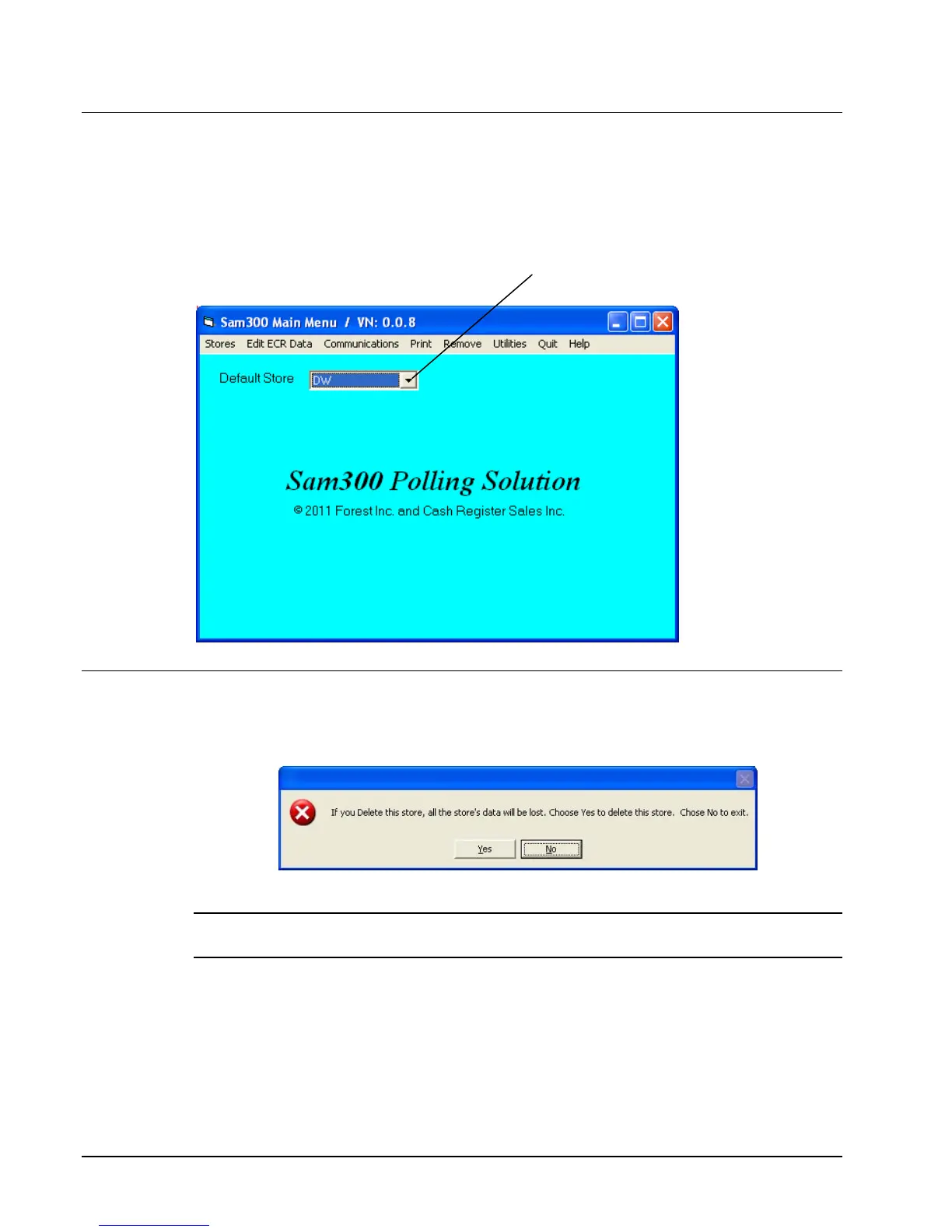
Click the Default Store drop-down list box to select the working store. When you have
created at least one store, the list box will display all stores created. The working store
will display in the Default Store field. All editing and programming will pertain to the
selected working store.
.
Deleting a Store
1. Choose Delete from the Stores menu to delete the working store from you hard drive. A
warning dialog displays.
2. Click Yes to delete the store.
Caution: This function will erase everything that pertains to this store. Use extreme caution
with this function. Information that is deleted cannot be recovered.
Default Store Drop-down list box



 To Next Page