42 Communications SAM300 Reference Manual v1.0
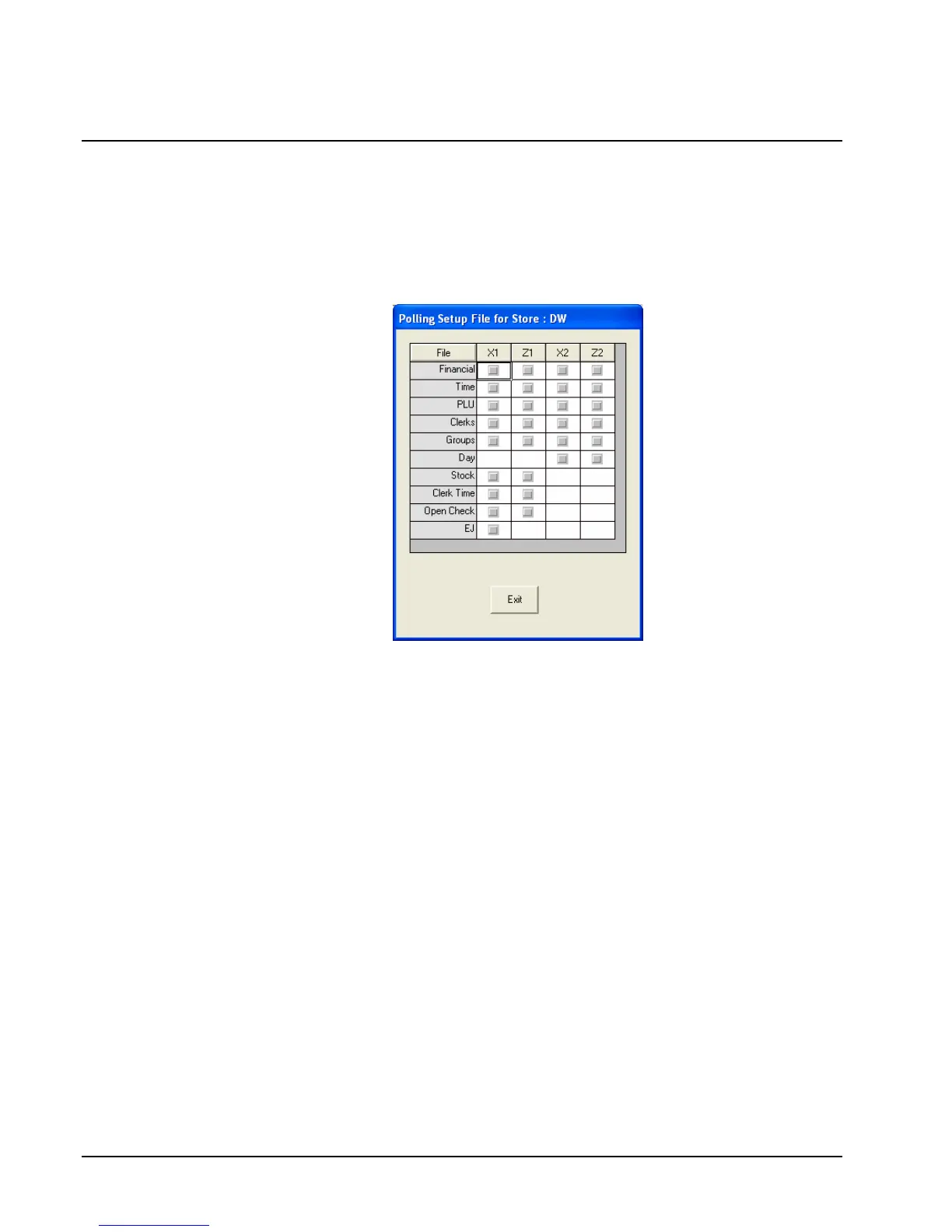
Polling Setup File
Program settings for the Polling Setup File relate to the sessions in the
Communication/Polling area. Settings here determine which reports are polled when polling
is started.
1. Choose Polling Setup File from the Communications menu to define the reports to be
taken when polling is initiated.
2. Select the reports you wish to poll. A check mark displays for each report selected.
3. Click Exit to save changes and return to the main menu.



 To Next Page