SAM300 Reference Manual v1.0 Print 49
PLU Range
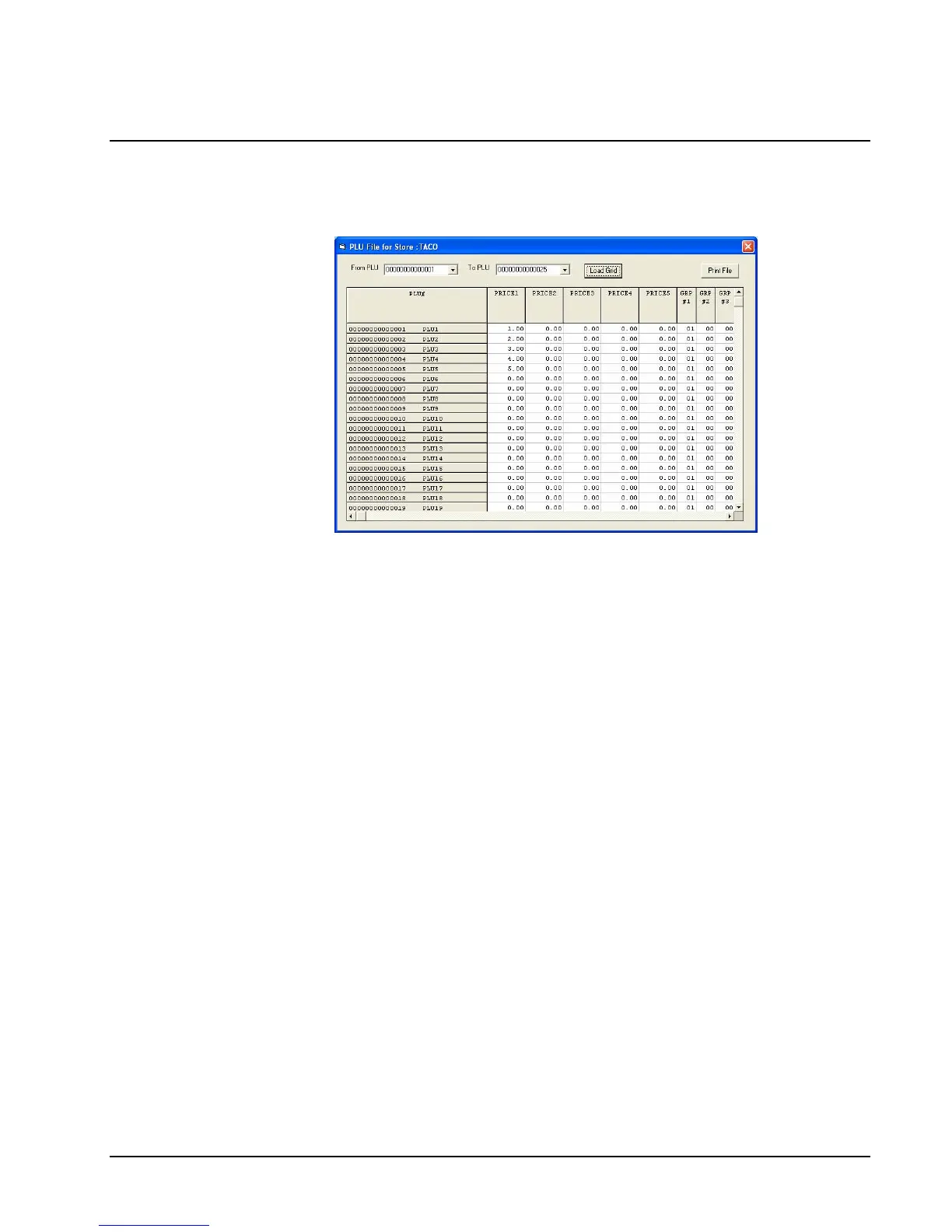
1. Choose PLU Range from the Print menu to display and print out the PLU file of the
working store. The Print PLU Range dialog box displays.
2. Indicate the range of PLUs you with to display and print by entering values into the From
PLU and To PLU boxes. (The screen defaults to display values from the first to the last
PLUs in the file.) Click the Load Grid button to view requested PLUs.
3. Click the Print File button to print the file.
4. Close the window to return to the main menu.



 To Next Page