14 Stores SAM300 Reference Manual v1.0
Creating a New Store
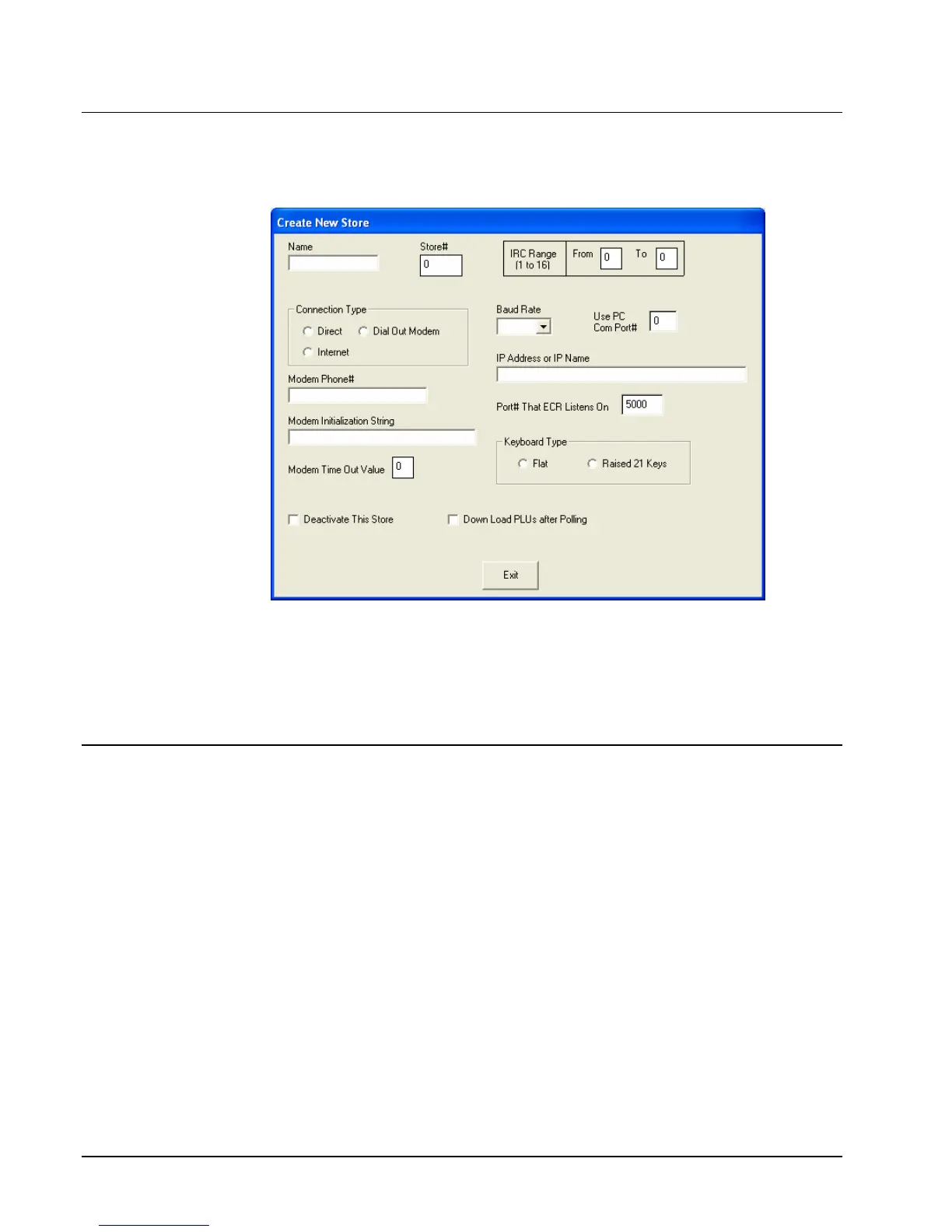
1. Choose Create New from the Store menu to create a store. You can create up to 255
stores. The Create New Store dialog displays.
2. Select your connection type: Direct, Dial Out Modem, or Internet.
3. Complete the Create New Store dialog using the reference information in the table on the
following page.
4. Click Exit to save store information.
Edit a Store
1. Choose Edit from the Stores menu to edit a store. The Edit Store Information dialog
displays.
2. Complete the Edit Store Information dialog according to the table on the next page.
3. Click Exit to save store information.



 To Next Page