28 PLU/Inventory Maintenance SAM300 Reference Manual v1.0
Vendors Maintenance
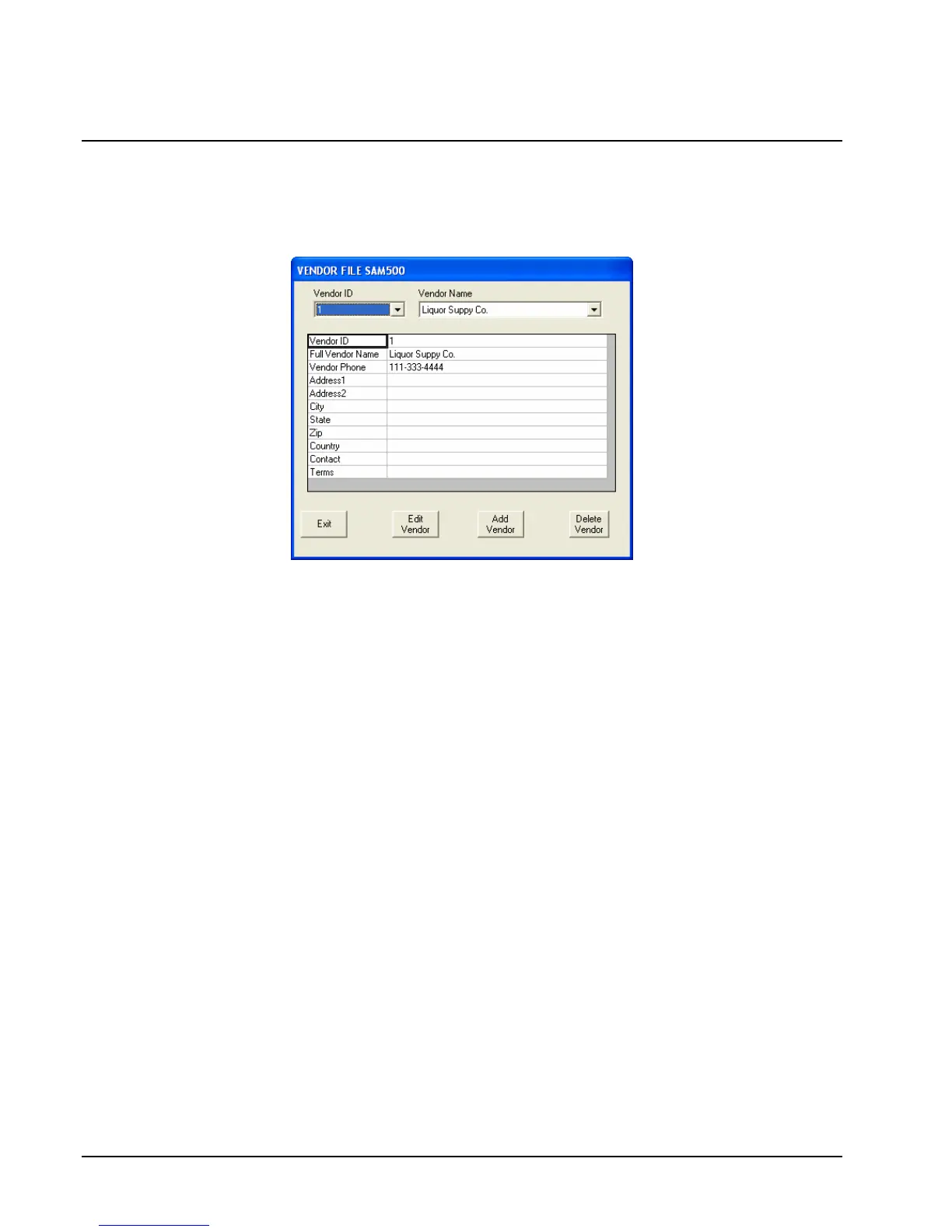
1. Maintain the vendor file by choosing PLU and then Vendors from the Edit ECR Data
menu. You can also access vendor maintenance by clicking Add/Edit Vendors on the
PLU Maintenance window.
2. To edit an existing vendor file, select the Vendor ID# or Vendor Name from the drop-
down list box. Click Edit Vendor to open fields for entry.
3. Click Add Vendor to open a blank record for entries. Use the default Vendor ID# or
double click the vendor ID field to enter you own vendor ID-up to 10 alpha numeric
characters.
4. Click Delete Vendor to delete the current vendor. At the confirmation dialog click Yes
to complete the deletion.
5. Click Exit to save changes.



 To Next Page