SAM300 Reference Manual v1.0 Introduction 11
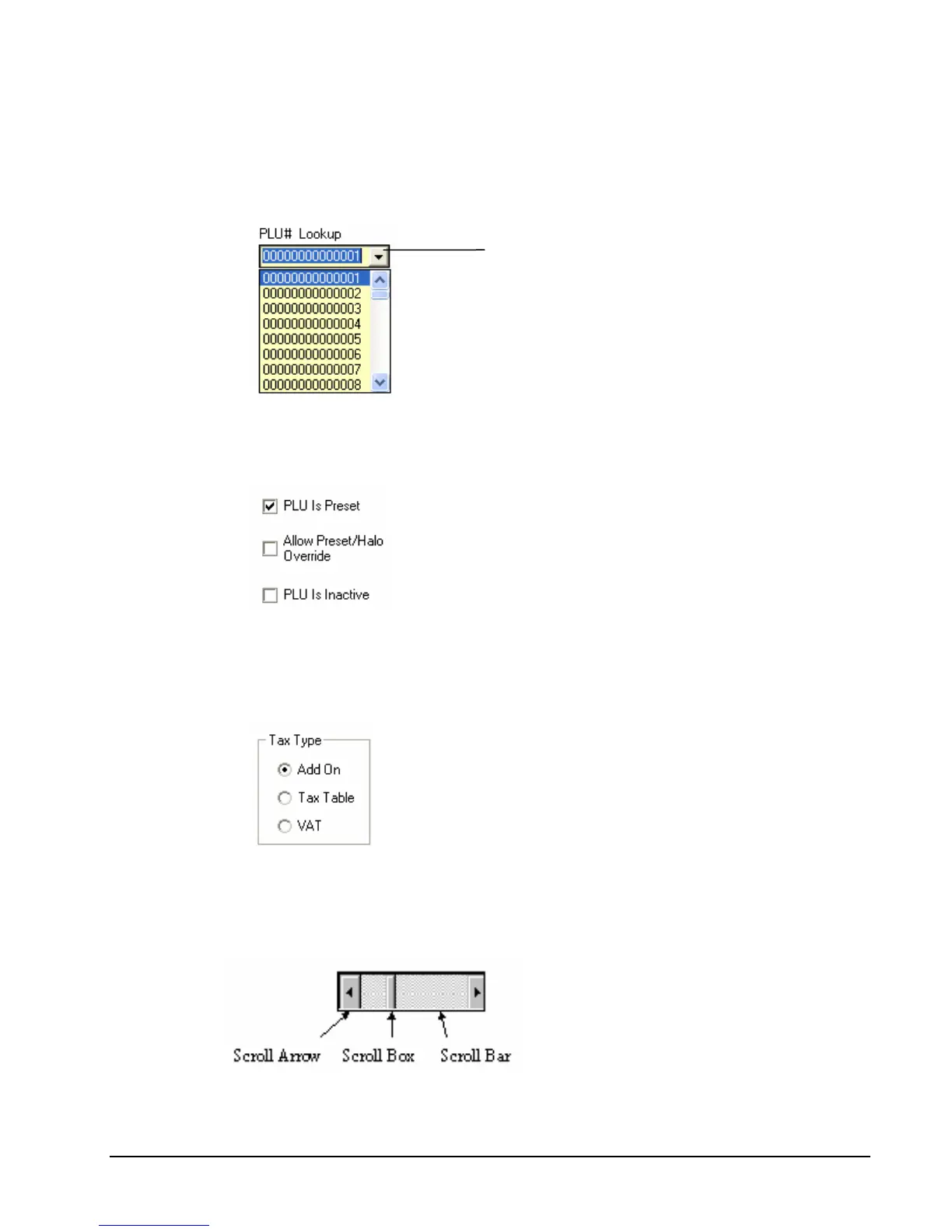
Drop-Down List Boxes
Click on the arrow in the box to open the drop-down list box and display a list of choices.
Click on an item to select it. (If all the choices are not in view, scroll bars are provided.)
Check Boxes
Click on a check box to make a selection. Click the check box again to deselect the item
Option Buttons
Click on one of the option buttons (also called radio buttons) to make a selection. Your
previous selection pops up when a new selection is made.
Scrolling
Move the scroll box to select the item you wish to work with. Drag the scroll box or
click the scroll arrows to find your selection.
Click here



 To Next Page