58 Remove SAM300 Reference Manual v1.0
2. Enter the date through which you want old poll files deleted. Click Start Delete. The
message "FINISHED" will display when completed.
3. Close the window to return to the main menu.
Log Files (Upload, Download, Poll)
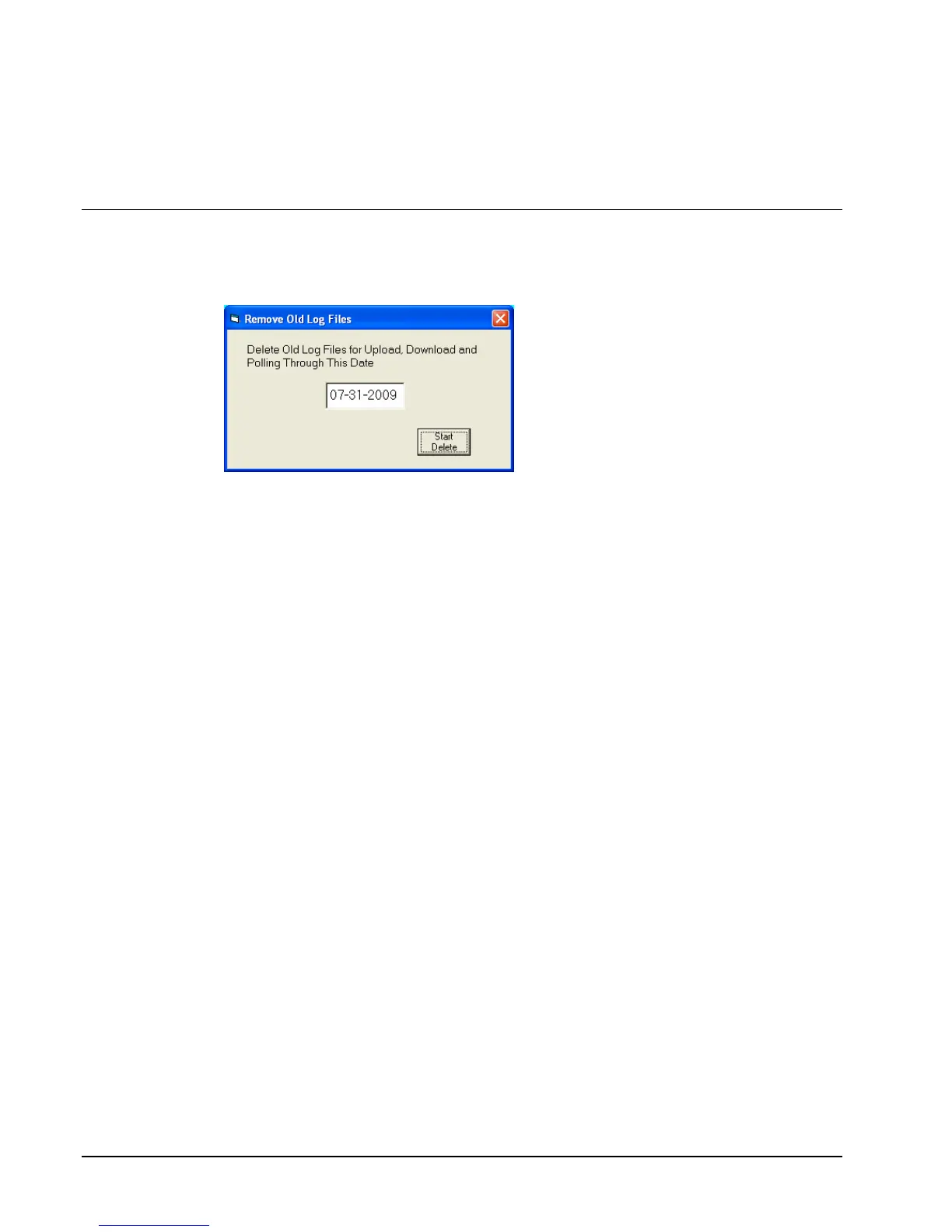
1. Choose Log Files (Upload, Download, Poll) from the Utilities menu to delete
unwanted log files. The Remove Old Log Files dialog box will display.
2. Enter the date through which you want old poll log files deleted. Click Start Delete.
The message "FINISHED" will display when completed.
3. Close the window to return to the main menu.



 To Next Page