46 Print SAM300 Reference Manual v1.0
Daily Poll File
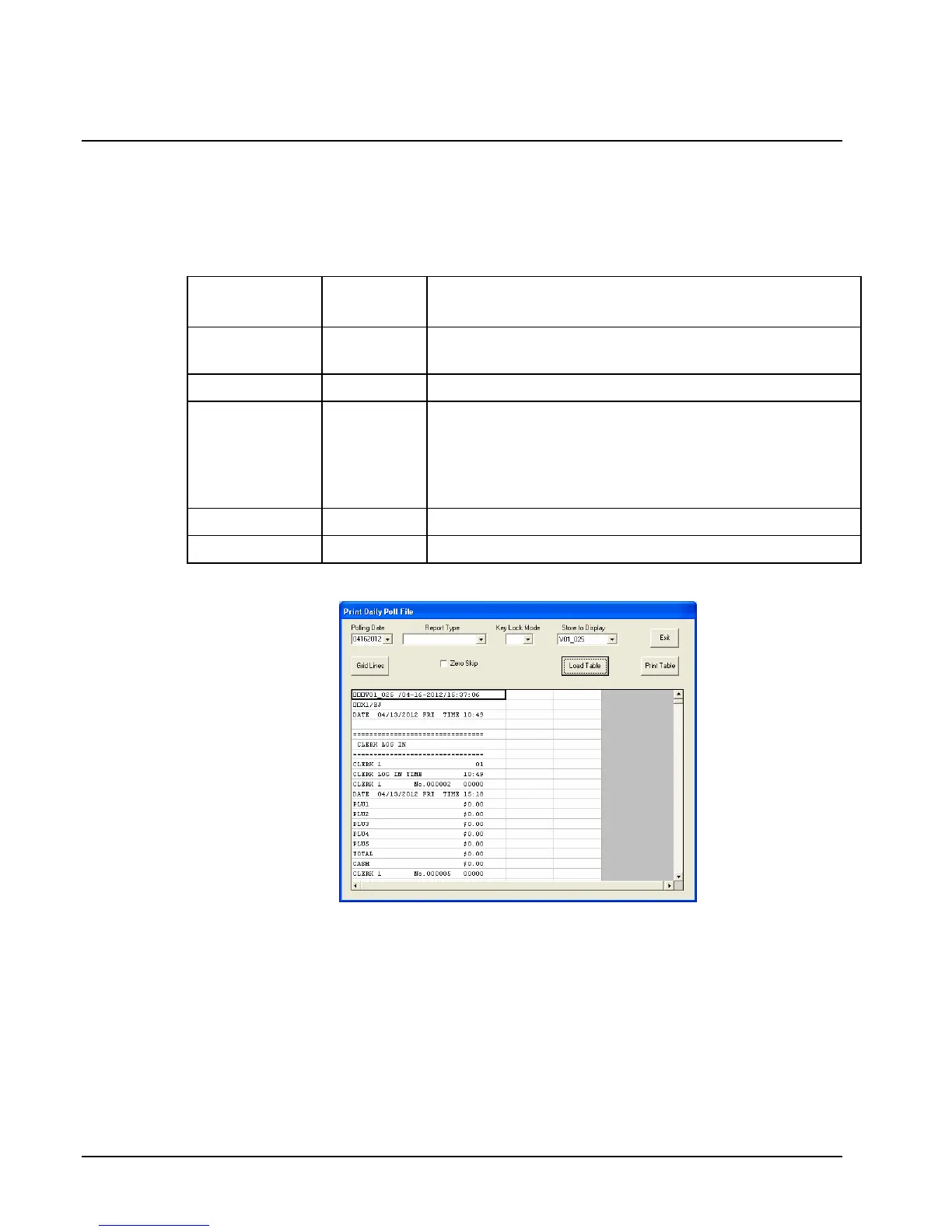
1. Choose Daily Poll File, and then Daily Poll File from the Print menu to print out the
poll file of a given day. The Daily Poll dialog box displays.
2. Complete the Daily Poll dialog box according to the table below:
Field Name
Required
/Optional
Description/Instructions
Store to
Display
R
Select the store you wish to access.
Polling Date
R
Select the polling date from the drop-down list box.
Zero Skip
O
Select the Zero Skip check box if you wish totals with zero
values skipped. Note: When zero skip is selected, and
Employee and Time Keeping reports printed, all
employees will be listed. Only employees with sales data
will print data on the report.
Report Type
O
Select the report type from the drop-down list box.
KeyLock Mode
O
Select the mode of the report.
3. Click the Load Table button to view the selected report.
4. With the report in view, click the Print Table button to print the report.
5. Click Exit to return to the main menu.



 To Next Page