SAM300 Reference Manual v1.0 PLU/Inventory Maintenance 37
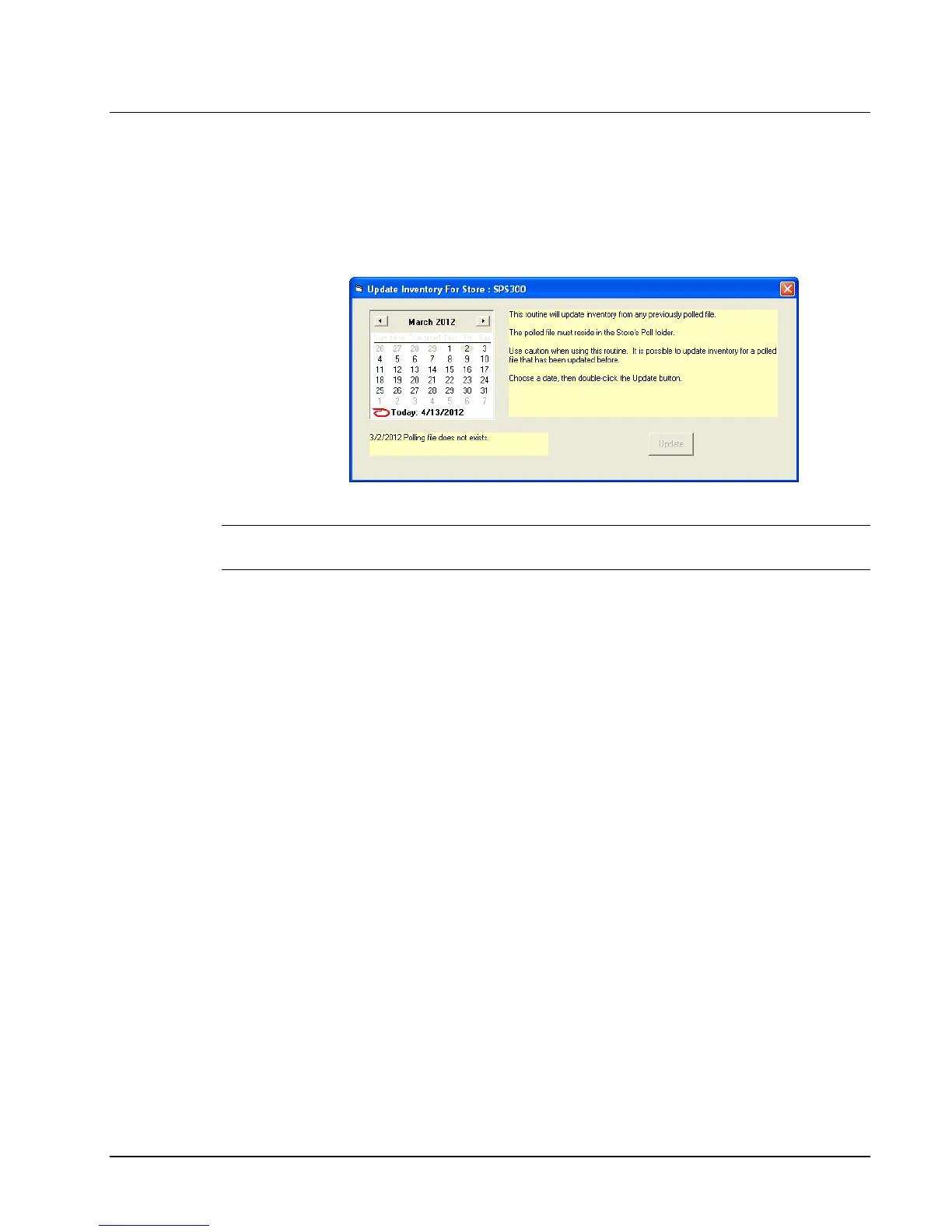
Update Inventory from Old Poll File
Use this utility to update inventory if for any reason the ECR polls successfully but inventory
is not successfully updated. Use caution if you choose to use this routine. It is possible to
update inventory for a polled file that has already updated inventory.
1. Select P-Mode Programming, then Inventory, and then Update Inv From
Old Poll File from the Edit ECR Data menu.
2. Select a date, and then double-click the Update button.
Note: If a date is selected that has no polling file for that date, you will see the notification in
the yellow information bar.



 To Next Page