SAM300 Reference Manual v1.0 Print 47
Log Files
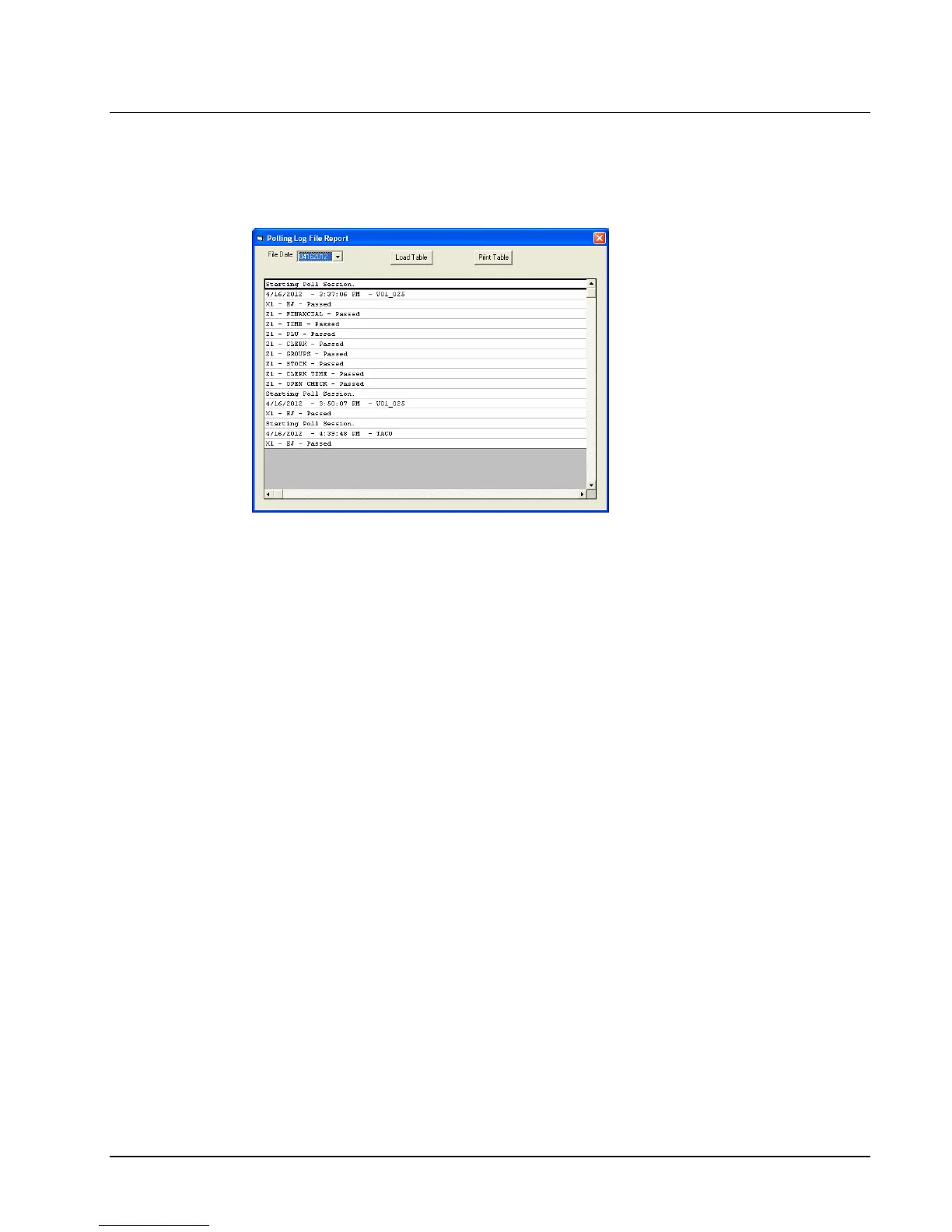
1. For error checking, choose Log File from the Print menu. Then select Uploads,
Downloads or Polling to display the appropriate log file. The Log File Report dialog
box displays.
2. Select the file date from the drop-down list box.
3. Click the Load Table button to view the selected report.
4. With the report in view, click the Print Table button to print the report.
5. Click Exit to return to the main menu.



 To Next Page