SAM300 Reference Manual v1.0 Introduction 9
Navigating
Mouse and Keyboard
You can choose a menu, menu item, or a command by clicking on it with your mouse. (As
an alternative to using your mouse, you can navigate by typing the shortcut keys on the
keyboard.)
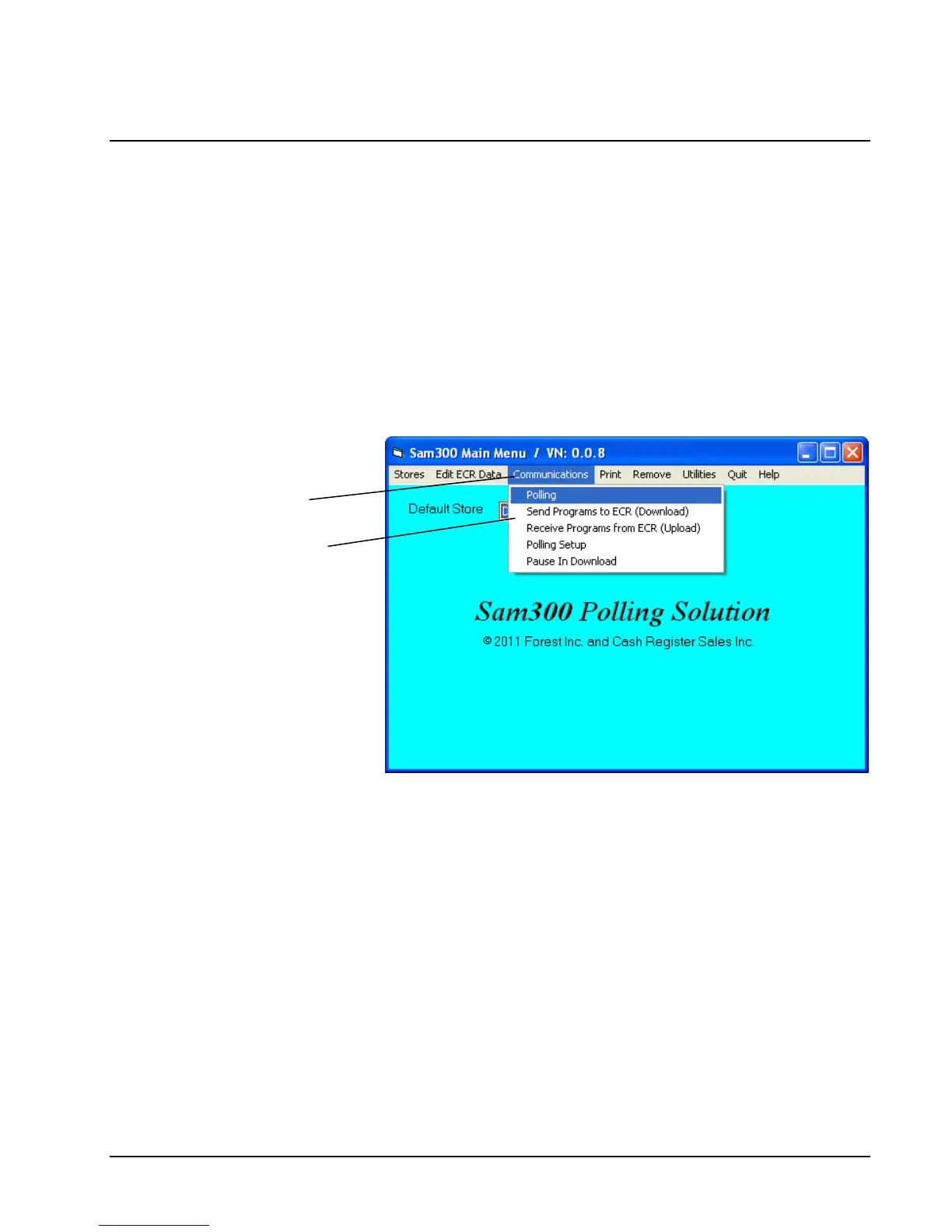
Viewing Menus and Selecting Menu Items
1. Point at a menu item with your mouse, or type the shortcut key to display menu choices.
2. Point at your choice on the menu and click the left mouse button, or type the shortcut key
to select an item from the menu.
Menu Item
Menu Choices



 To Next Page