SAM300 Reference Manual v1.0 Utilities 69
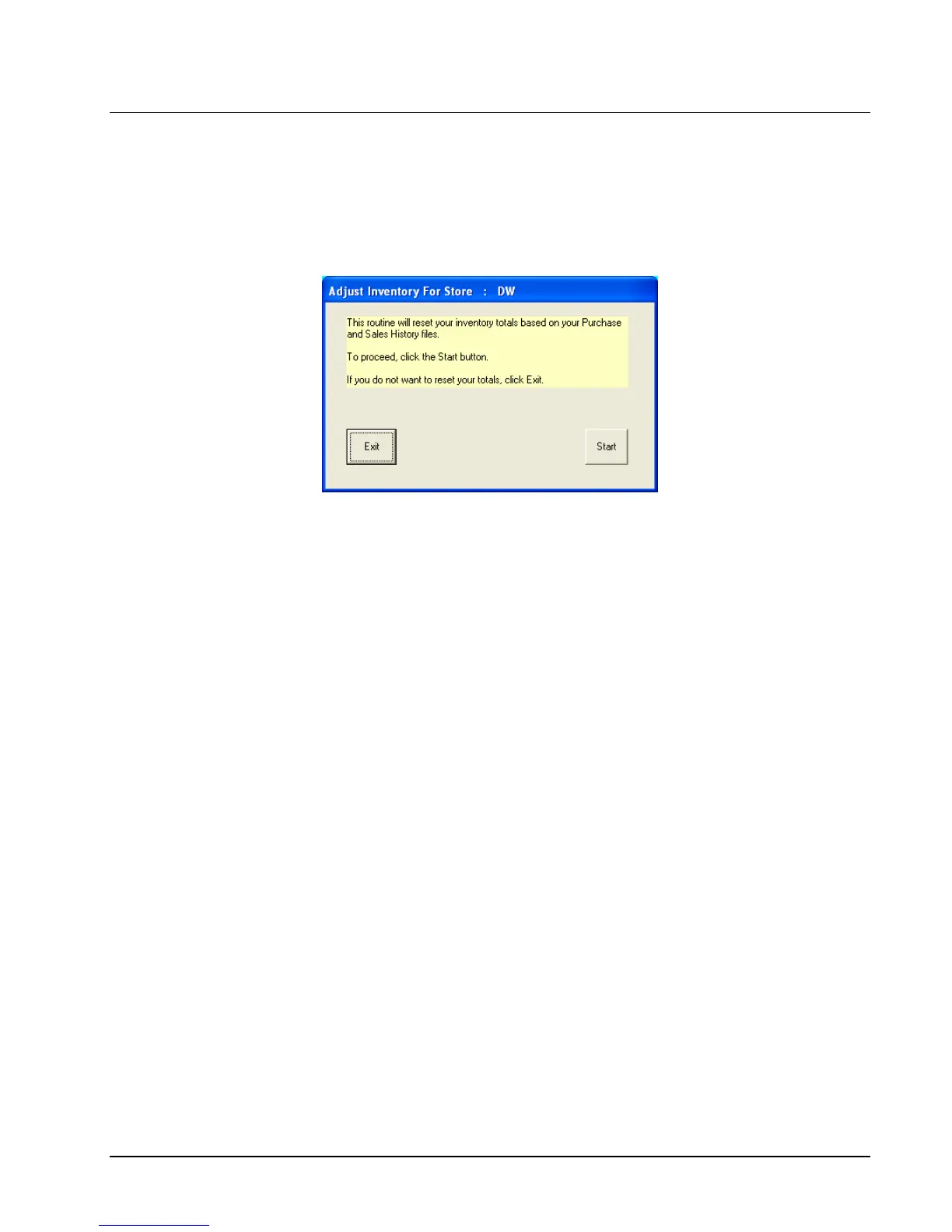
Adjust Inventory
If for any reason item inventory records are inaccurate or corrupted, you have the option of
automatically recalculating and adjusting inventory levels. This routine will calculate
purchase history minus sales history and reset the inventory level to the result. This is done
for all inventory items at the same time.
1. Choose Adjust Inventory from the Utilities menu.
2. Click Start to reset inventory totals according to your Purchase and Sales History, or
click Exit to abort the routine.



 To Next Page