20 PLU/Inventory Maintenance SAM300 Reference Manual v1.0
3. Choose one of the five tabs that organize PLU information and related functions:
Tab Function
PLU Data
Contains PLU settings for the SPS-300 and Full
Description fields.
Inventory
Contains Quantity on Hand, Ave Unit Cost, Total
Cost On Hand, Vendor Product ID#, Min Level,
Shelf Location, Primary Vendor and Secondary
Vendor fields.
Barcode
Allows printing of barcodes in a variety of
formats.
Inventory History
Records history of sales and purchases for each
item. Allows reporting of sales and purchase
history by date range.
Copy
Copy the attributes of the selected PLU to another
PLU or range of PLUs.
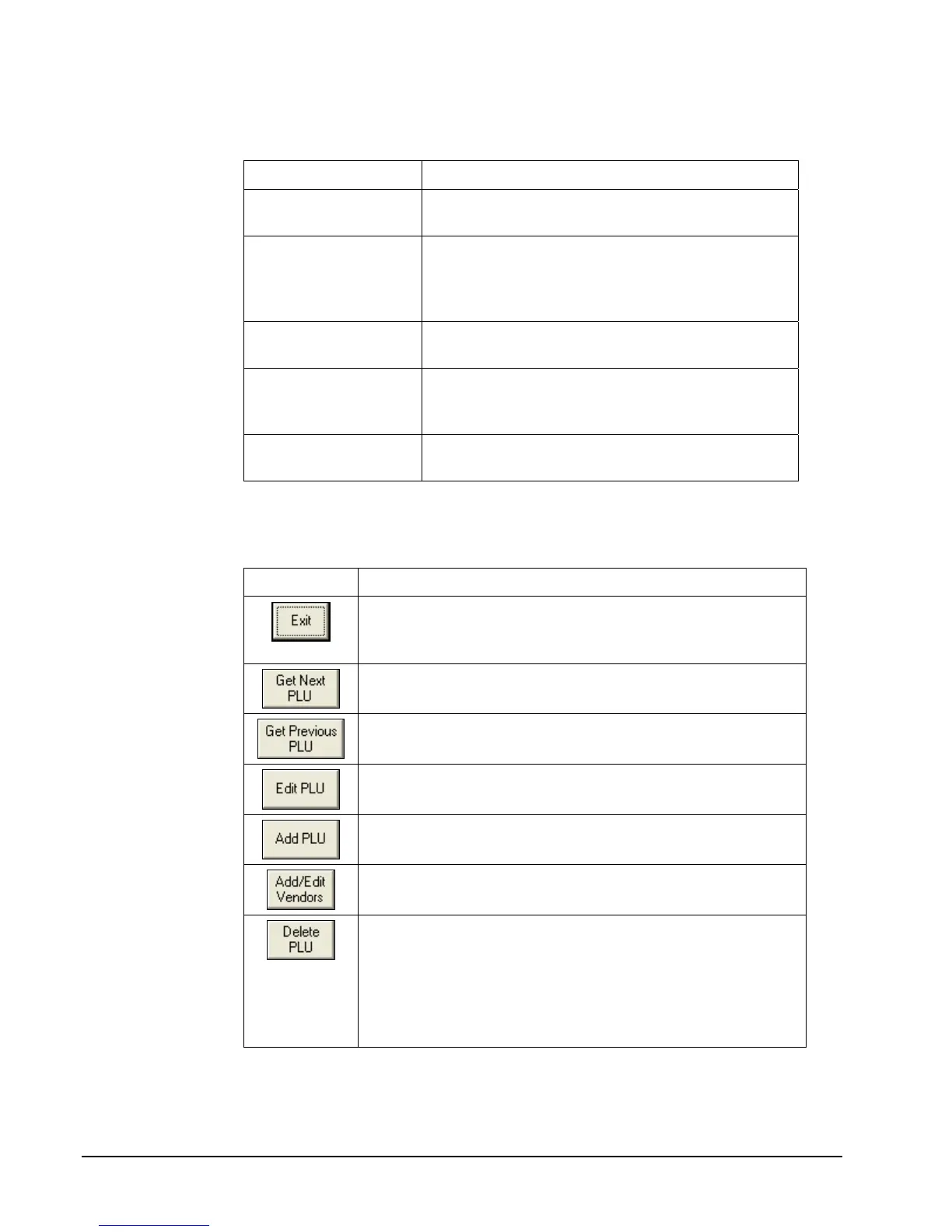
4. Use the command buttons at the bottom of the window to edit, add, delete, maintain the
vendor file, or exit the window.
Button Function
Click Exit to close the PLU Programming window and save
changes. If fields are open for editing, click Exit once to
close editing; click a second time to exit.
Click Get Next PLU to view the next PLU.
Click Get Previous PLU to view the previous PLU.
Click Edit PLU to open PLU Data and Inventory fields for
editing.
Click Add PLU to open a new PLU Programming record
with fields empty and ready for entries.
Click Add/Edit Vendors to open the vendor file
maintenance dialog box.
Click Delete PLU to delete the PLU record currently
displayed. A confirmation dialog box will display.
Note: To delete a PLU, all totals (Z1, Z2) for that PLU must
first be cleared at the register. PLUs will not be deleted at
the station unless there is no station activity and deleted
PLUs are downloaded.



 To Next Page