CHAPTER 2. Installing Basic KSU and Expansion Cabinet
2-4
© SAMSUNG Electronics Co., Ltd.
2.3 Basic KSU Installation
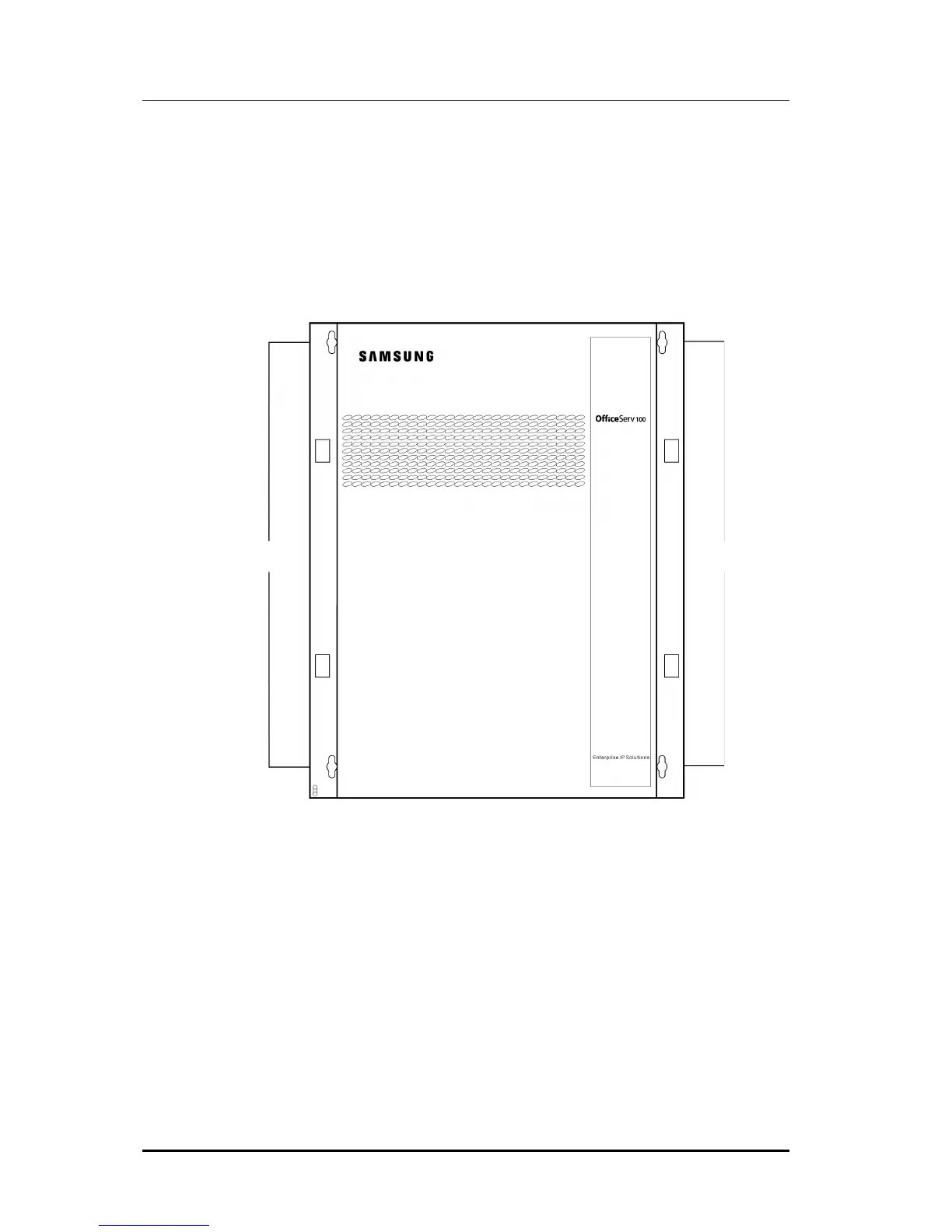
Basic KSU is accommodated in a metal cabinet which is wall mounted. In case of wall
mounted, the KSU should be mounted on a poly-wood back at least 5/8” thick. Attach a
mounting screw to the back board. Next hang the KSU on the screws and screw it to the
back board with the remaining two screws. Tighten all four screws to secure KSU in
place.(See Figure 2.1)
Figure 2.1 Basic KSU (Key Service Unit)
Mounting
Hole
Mounting
Hole















 To Next Page