OfficeServ 100 Installation Manual/Ed.00
© SAMSUNG Electronics Co., Ltd. 3-17
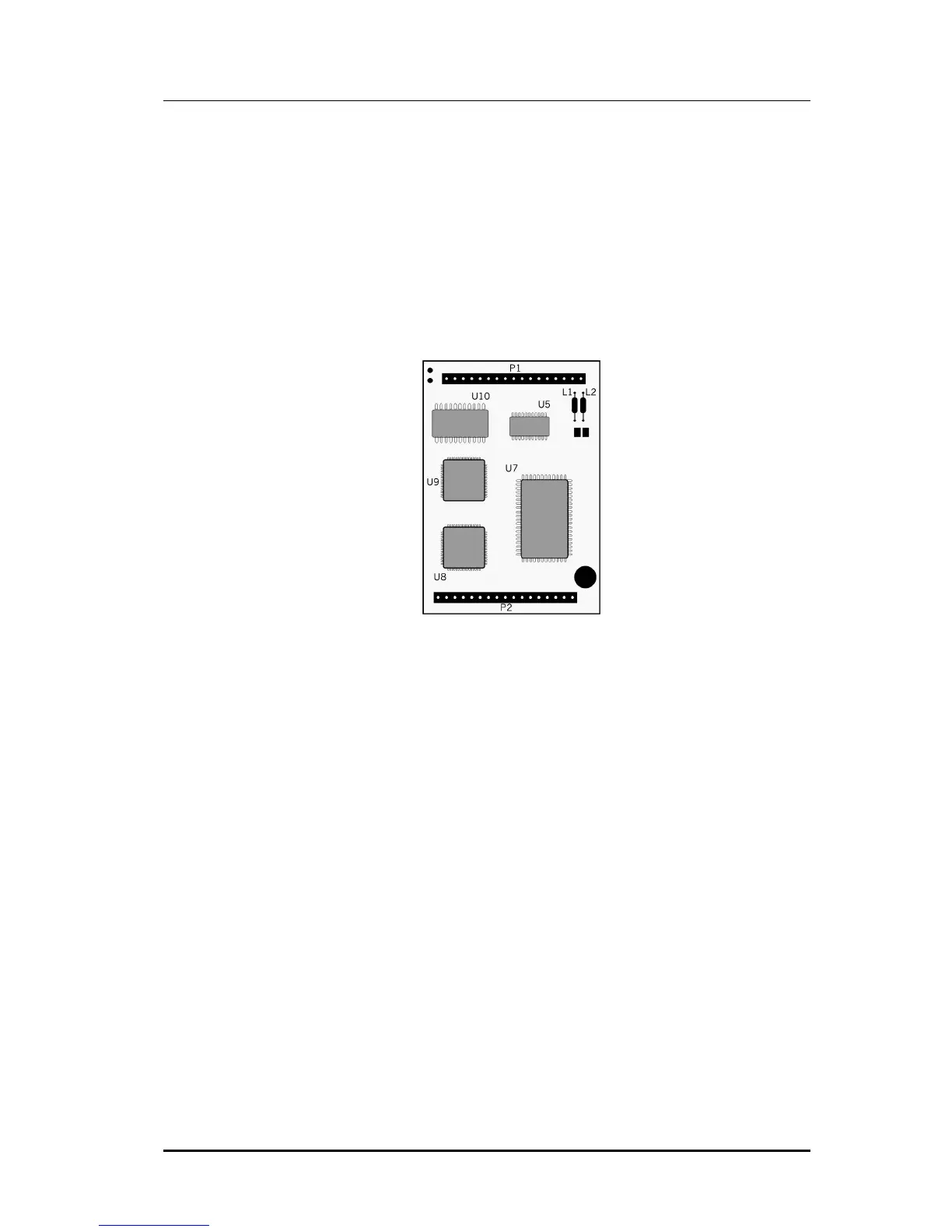
3.18 500 MODEM D-Board (common use the
OfficeServ 500)
This board has no selectable options and installs on the MISC3(4) board for OfficeServ 100
or MISC 1A(2A) for iDCS 100 or DCS Compact-II system.
The MODEM board provides a 56Kbps/V90 modem for communicating with the system
remotely. Place the modem board face down over the two connectors, taking care to
properly line them up, and lining up the holes in the MODEM board and MISC 3(4) board,
and press gently on the back of the board to seat it.
Figure 3.16 500 Modem D-Board















 To Next Page