CHAPTER 2. Installing Basic KSU and Expansion Cabinet
2-6
© SAMSUNG Electronics Co., Ltd.
1) Switch OFF the power and remove the covers of both basic KSU and Expansion
Cabinet A or B.
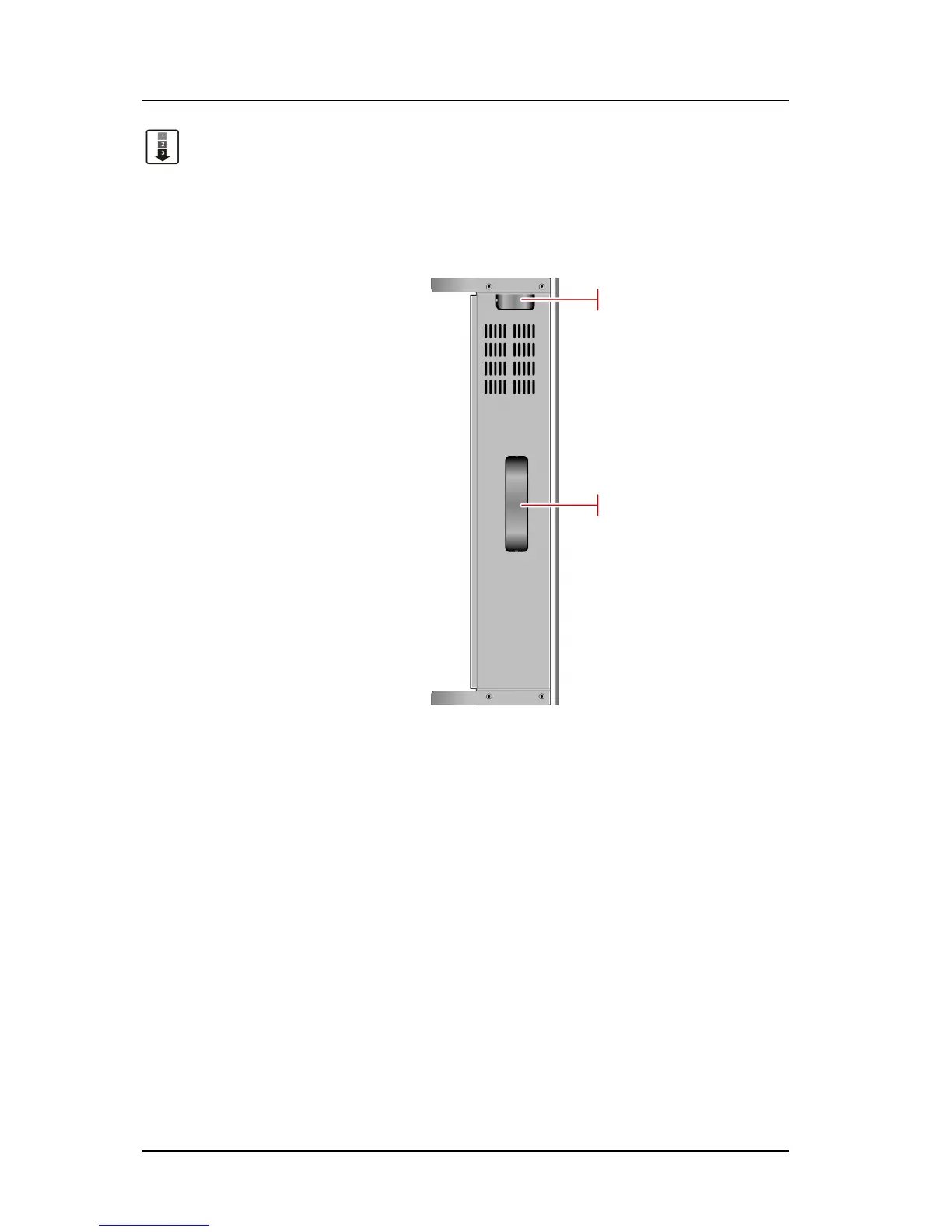
2) Remove dummy tabs on the right side of the basic with appropriate tools for
connection route.
A is for MDF cable and B is for signal and power cable.(See Figure 2.4)
Figure 2.4 Right Side View of Basic KSU















 To Next Page