CHAPTER 2. Installing Basic KSU and Expansion Cabinet
2-8
© SAMSUNG Electronics Co., Ltd.
5) Connect Exp KSU to basic with flat cable and 2 wires.(See Figure 2.6)
6) Insert new optional card.
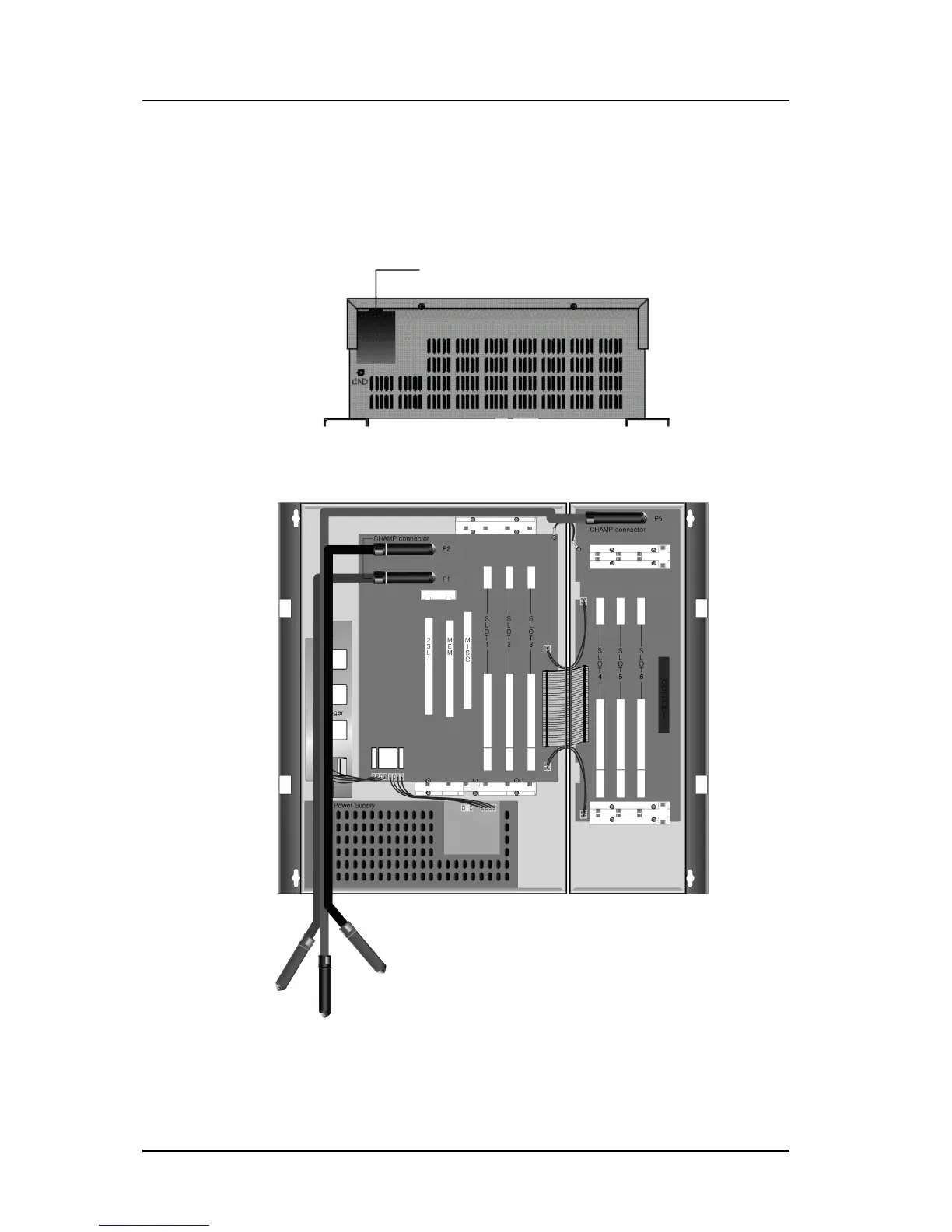
7) Connect MDF cable through appropriate path.(See Figure 2.7 & 2.8)
Figure 2.7 Bottom Side of Basic KSU
Figure 2.8 Cabling for MDF
8) Now close the cabinets and switch ON the power.
MDF Cable Path















 To Next Page