CHAPTER 3. Installing Printed Circuit Cards
3-2
© SAMSUNG Electronics Co., Ltd.
3.1 3TRK Card
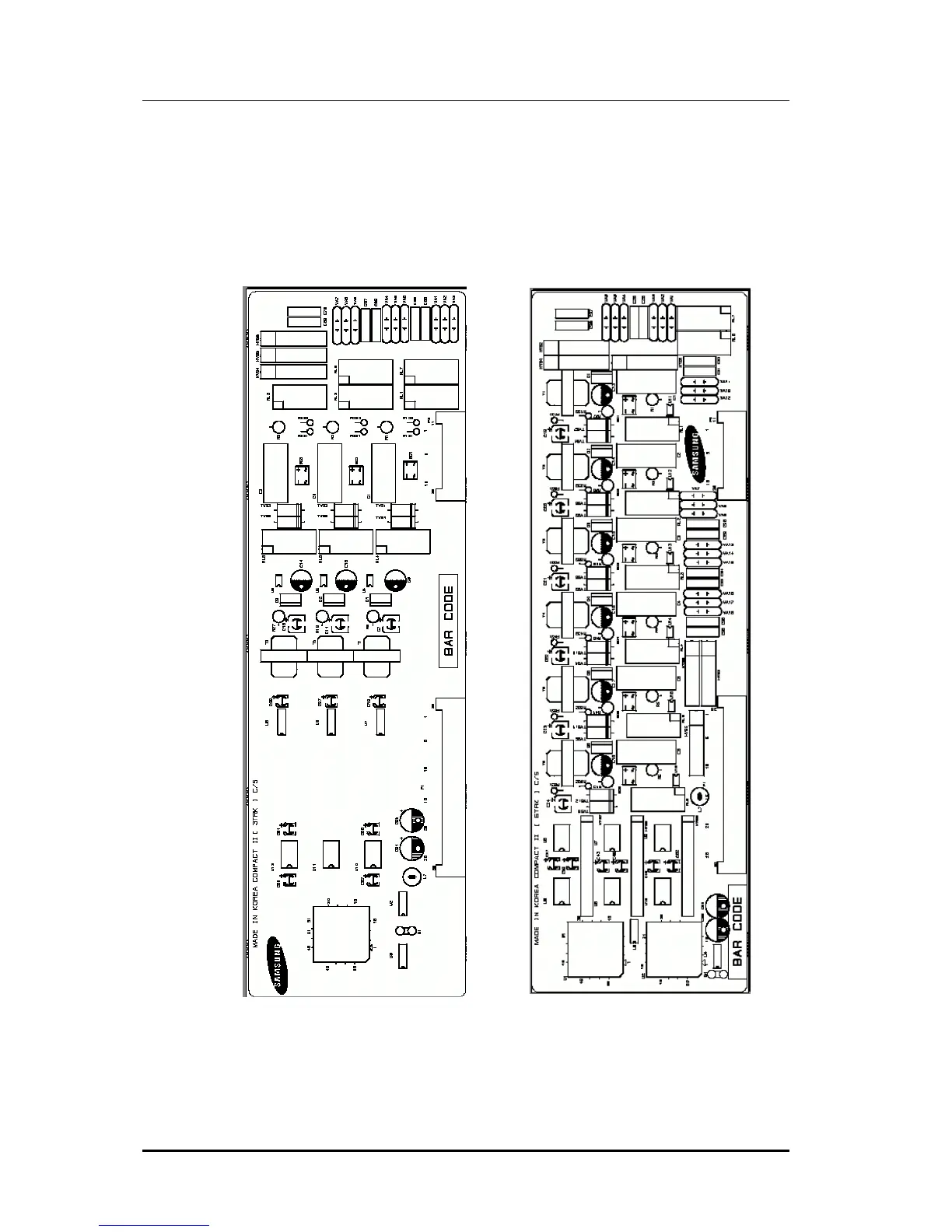
3 loop start trunk ports and 2 PFT(Power Failure Transfer) ports for PFT.(See Figure 3.1)
This card has no selectable option. Insert the 3 TRK card into the appropriate slot. Push
firmly in the middle of both card ejectors to ensure that it is fully inserted into the back
plane connector.
Figure 3.1 3TRK Card and 6TRK Card















 To Next Page