INTRODUCTION
II
© SAMSUNG Electronics Co., Ltd.
CHAPTER 8. Installing KDB (Keyset Daughter Board)
This chapter describes how to install the KDB(Keyset Daughter Board) to the phone.
CHAPTER 9. Changing Software
This chapter describes how to change software of OfficeServ 100 system.
CHAPTER 10 Networking Description and Programming Procedure
This chapter describes networking description and programming procedure of OfficeServ
100 system.
ANNEX A. Abbreviation
Acronyms frequently used in this manual are described.
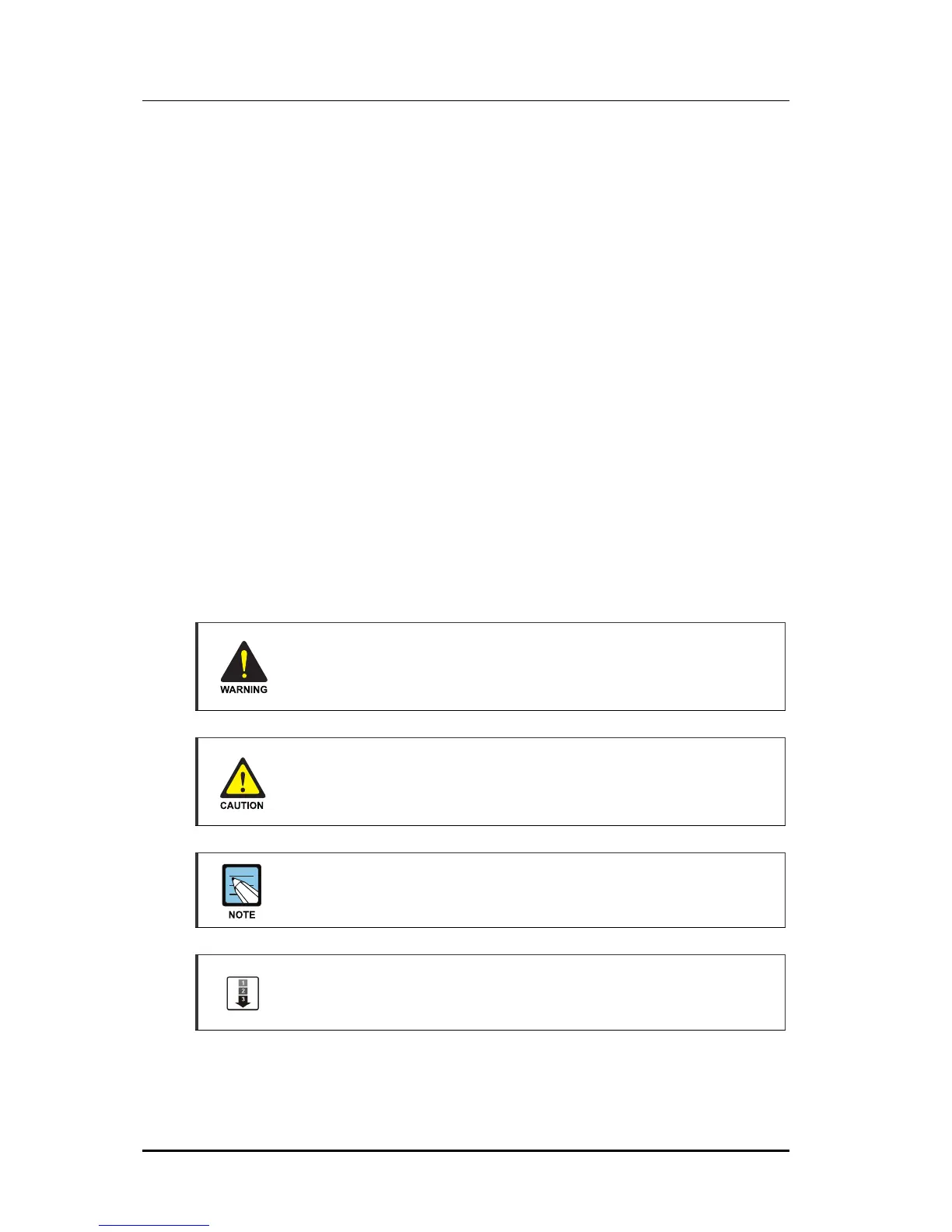
Conventions
The following special paragraphs are used in this document to point out information that
must be read. This information may be set-off from the surrounding text, but is always
preceded by a bold title in capital letters.
WARNING
Provides information or instructions that the reader should follow in order to avoid
personal injury or fatality.
CAUTION
Provides information or instructions that the reader should follow in order to avoid
a service failure or damage to the system.
NOTE
Indicates additional information as a reference.
OPERATION PROCEDURES
Indicates the operational procedures that should be executed in sequence.















 To Next Page