OfficeServ 100 Installation Manual/Ed.00
© SAMSUNG Electronics Co., Ltd. 2-7
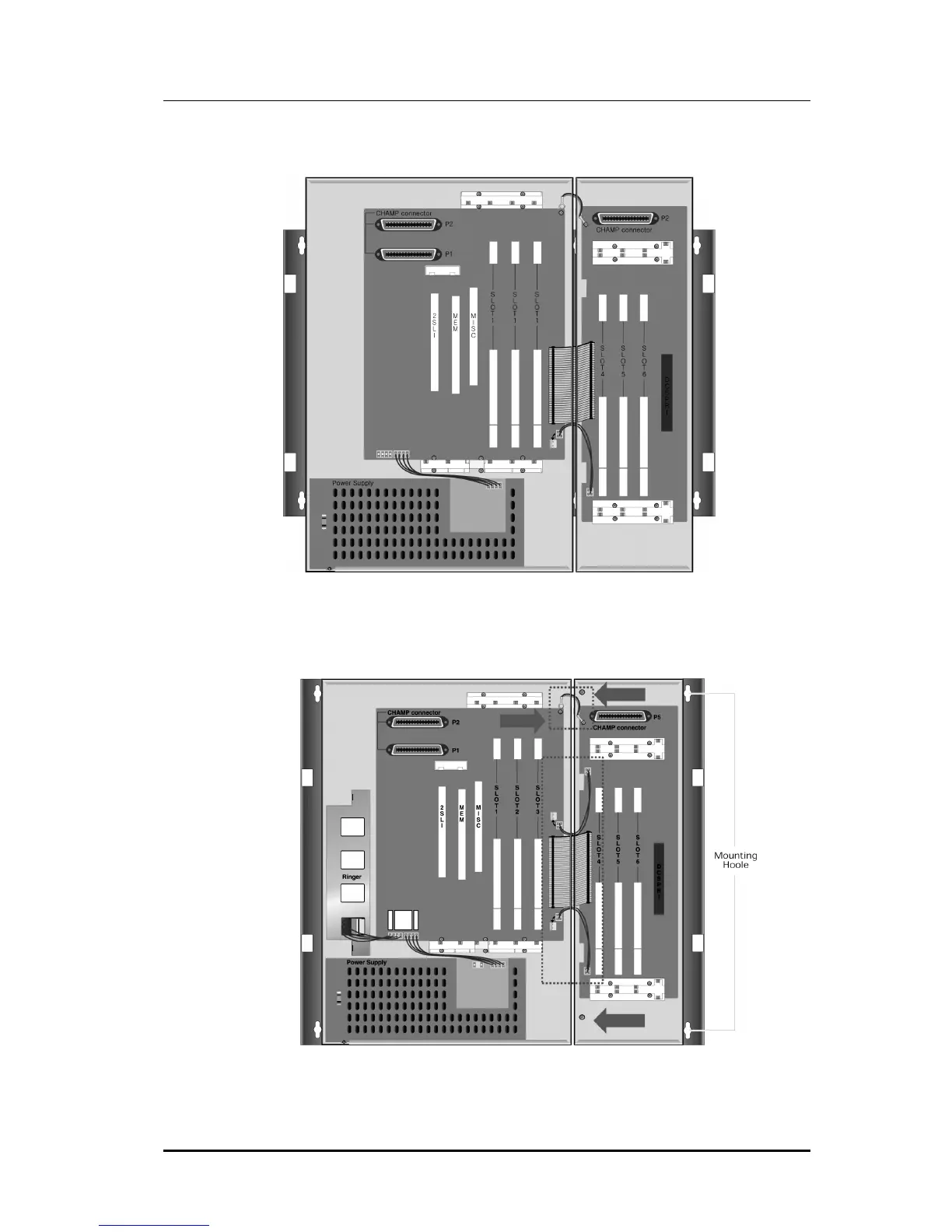
3) Move Expansion cabinet to basic cabinet and attach it via groove.(See Figure 2.5)
Figure 2.5 Assemble between Basic KSU & EXP.Cabinet (1)
4) Fix Expansion cabinet with offered screw to back plane.(See Figure 2.6)
Figure 2.6 Assemble Between Basic KSU & EXP.Cabinet (2)















 To Next Page