CHAPTER 3. Installing Printed Circuit Cards
3-4
© SAMSUNG Electronics Co., Ltd.
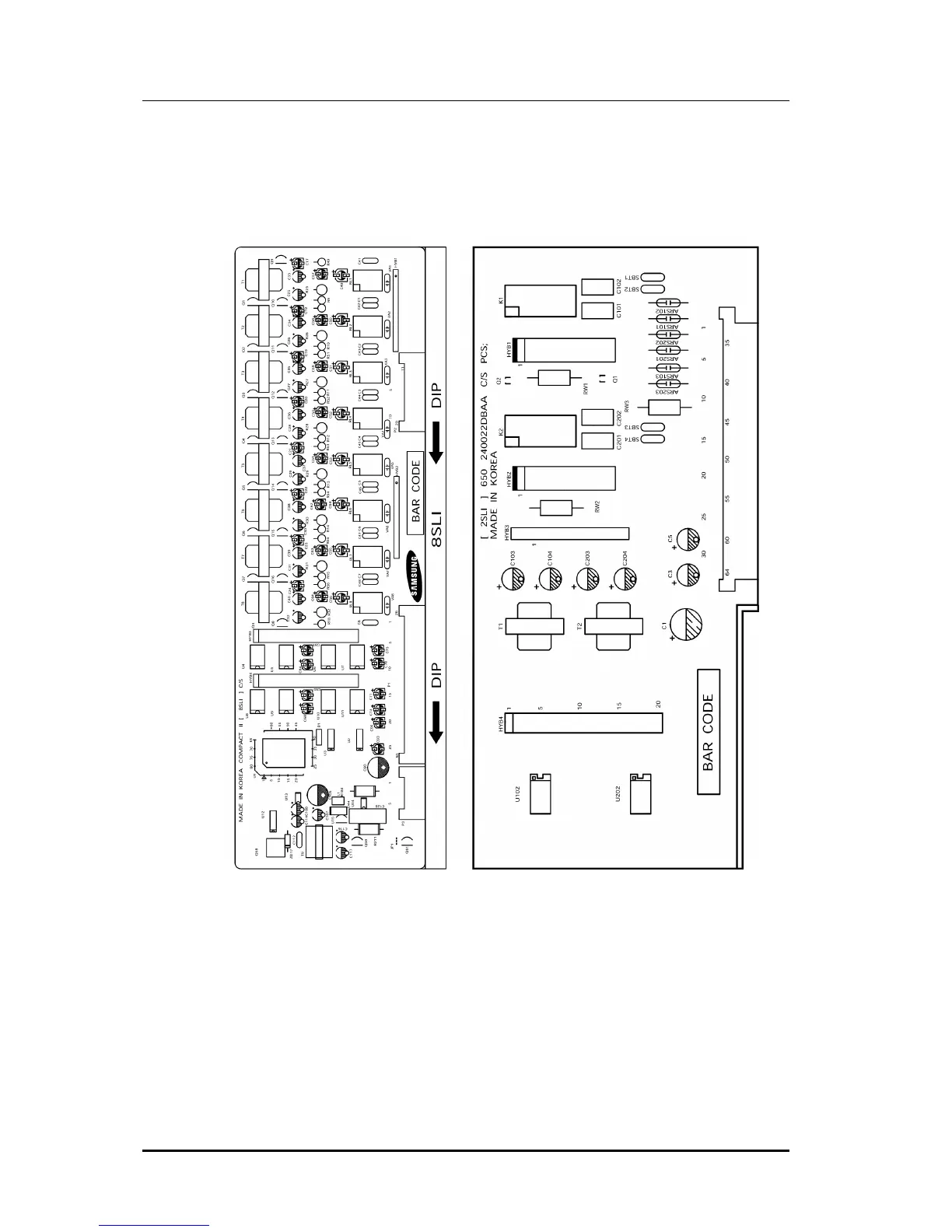
3.5 2 SLI Card
Which has 2 subscriber line ports(See Figure 3.3). This card has no selectable option.
Insert the card into the 2 SLI slot.
Figure 3.3 8SLI Card and 2SLI Card
3.6 8 DLI Card
Which has 8 digital phone ports.(See Figure 3.4)
This card has no selectable option. Insert the 8 DLI card into the appropriate slot.
Push firmly in the middle of both card ejectors to ensure that it is fully inserted into the
back plane connector.















 To Next Page