Operation
BAJR_USA_EN_V03 Page 4-29
4.6.6.7 Counter ON / OFF
The display of products served can be switched on and off for each product but-
ton (see 4.6.2 "Reading product counter for totals and per button" page 4-17.)
The coffee machine is set to run in "Ready" mode and use the default settings
for routine operation.
Note:
Programming can be cancelled at any time by pressing the [ on/off ] button. All
settings that have been confirmed so far by pressing the [ M ] button are still va-
lid. The current value shown in the display is discarded and the original setting is
kept.
1. Press the [ M ] button.
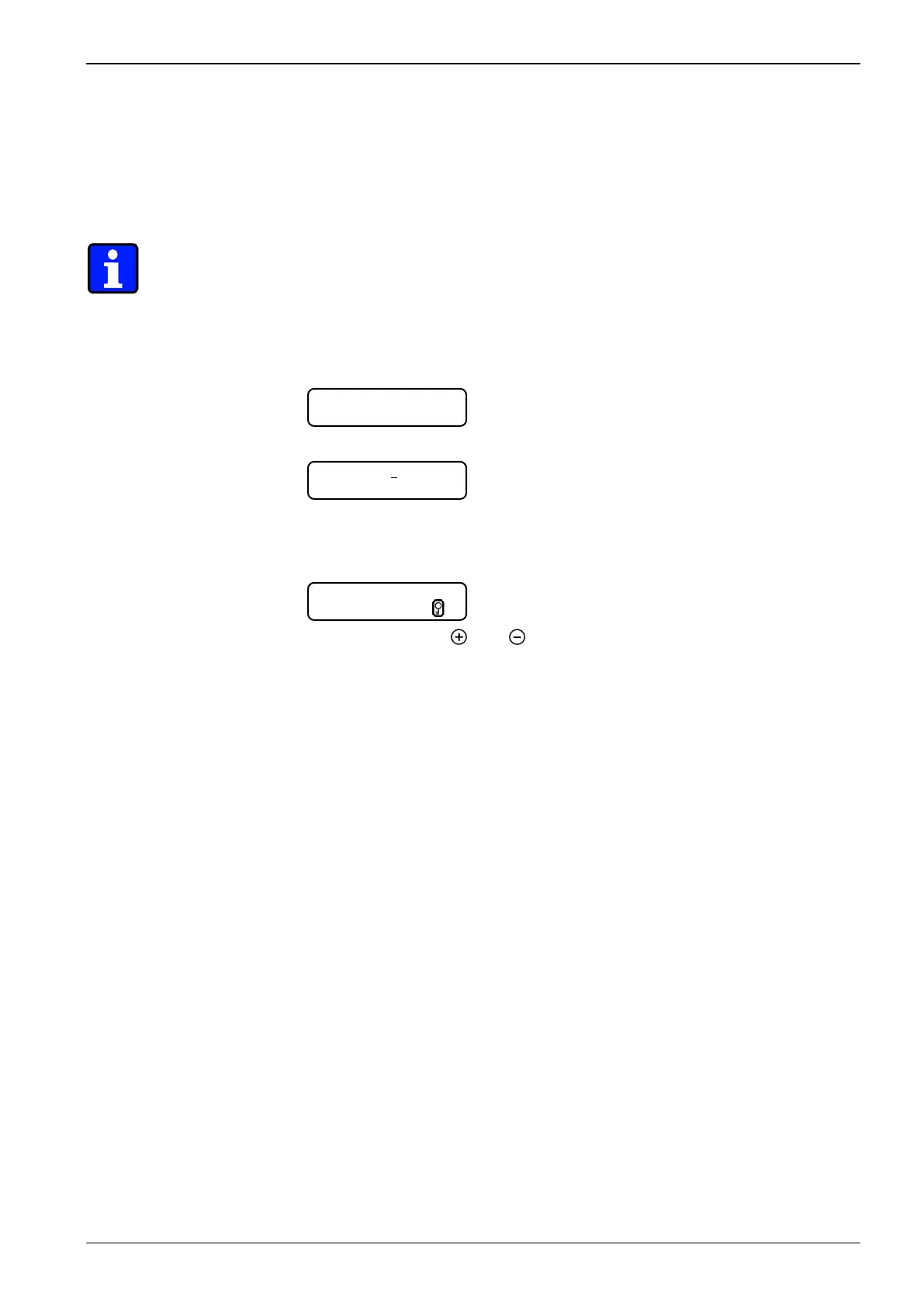
2. Press the [ DECAF ] button:
Display example (=factory setting)
3. Enter the PIN code as described in section section 4.6.6.1 "Entering PIN code"
on page 4-24.
4. Press the [ M ] button until the following menu appears:
Display example (=factory setting)
5. Either press button [
] or [
] to switch off or switch on the counter display.
Adjustment range:
- ON / OFF
6. Press the [ M ] button to confirm the setting or modification.
7. * Select next menu: Press the [ M ] button.
8. * Return to normal operating mode: Press the [ M ] button, until "Ready" ap-
pears in the display.
4.6.6.8 Change PIN code
All three programming stages can be protected against unauthorized access
with a four-digit PIN code. Each digit has a range from 0-9. The programming
stages "product buttons" and "general settings" can be protected individually.
The programming stage "protected setting" always requires a PIN code.
- The PIN code consists of four digits. Always enter the complete code.
- Pressing the [ DECAF ] button will accept digits that have already been en-
tered.
- The current PIN code is not displayed (****).
- If the input is not done correctly the machine control will return to "Ready"
mode.
Product,+,C
Code 0000
Counter ON















 To Next Page