65
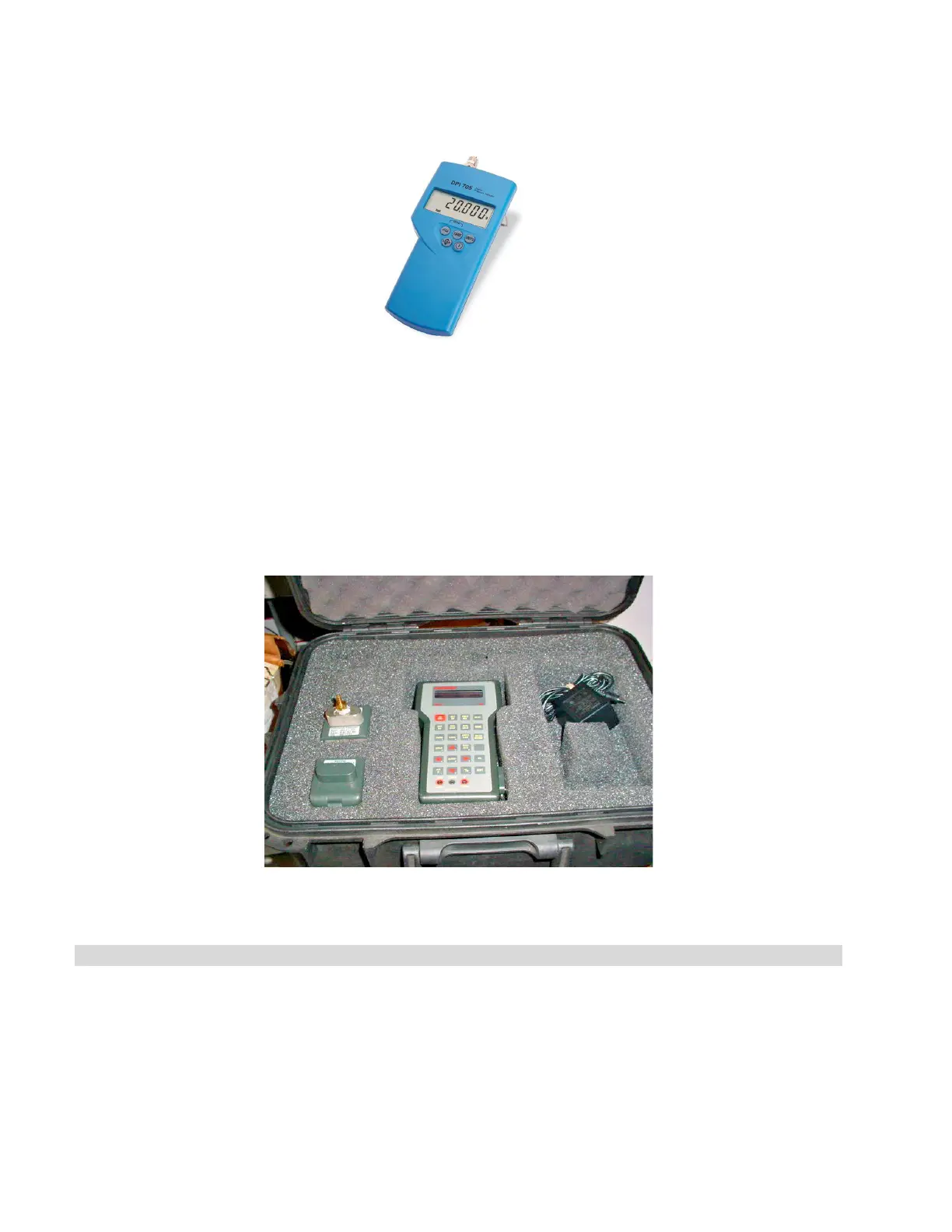
• Druck DPI 705R Absolute Pressure Meter with external 0 - 7 bar absolute pressure transducer with
¼” NPT female thread
For measuring Temperature and Pressure combined
Heise PTE-1 Handheld LCD digital calibrator complete with temperature and pressure modules, and PT100
probe as follows:
• Meter (without data logging capabilities) — PTEC = X X 4 4A
• Pressure Module — HQS2 B A A 400 kPa A
• Temperature Module — HQS RT1 PT-100
• RTD Probe Pt-100 — PT5
How to calibrate the unit
STAGE 1. Setting up calibration
1. Remove the 2 screws at the back of the left panel and slide the panel to the rear to disengage the
tabs at the top and bottom of the panel.
2. Using a 6 mm Allen key, remove the side test port (marked as TP) plug from the chamber’s side
port.



 To Next Page