70
NOTE: The POV offset will be adjusted again at Step 26 of the calibration process when the unit reaches a
pressure (vacuum) value in the region of 20kPa (30kPa or less).
17. On completion of the vacuum phase, the unit will go back to atmospheric pressure. Check the readings between
the unit’s pressure display (P) and the pressure reference meter. The two readings should still be within 0.5Kpa.
STAGE 5. Checking your reference meter values using the steam saturation table
18. The unit will now start to heat up to 120°C for the first time. This is the first pressure pulse. It will be
followed by a vacuum pulse and then the pressure and temperature will begin to increase again.
CAUTION! The Teflon tubing connecting the test port to the pressure reference meter will
become hot.
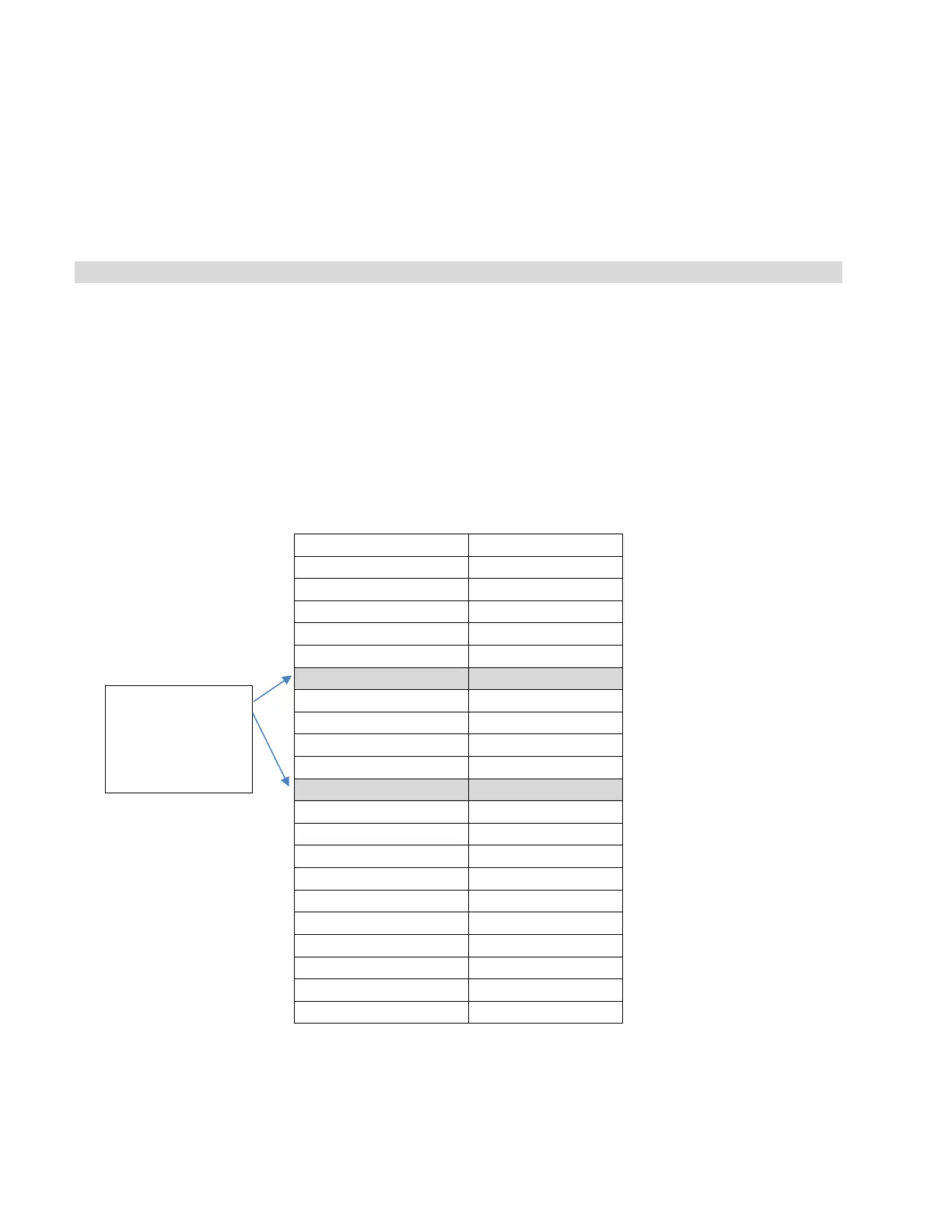
19. When the reference meter reaches 125°C, you can verify that the steam saturation level is correct by
checking the temperature and pressure values on your reference meters against the table below. Check
again at 130°C.
To check the values, read the temperature on your reference meter and make sure that the pressure
reference meter is reading a value that is within 3 kPa from the corresponding pressure value in the
table. For example, at 125°C your corresponding pressure value should be no lower than 229.24 and
no higher than 235.24.
20. If your reference meters DO show that your temperature and pressure values match with the steam
saturation table, continue to the next step.
meter values
here



 To Next Page