UserManualofIRNetworkSpeedDome
55
(4) Click tofinish drawing.
Note:Youcanclick toclearalloftheareas.
(5) Movetheslider tosetthesensitivityofthe
detection.
2. SettheArmingScheduleforMotionDetection.
Steps:
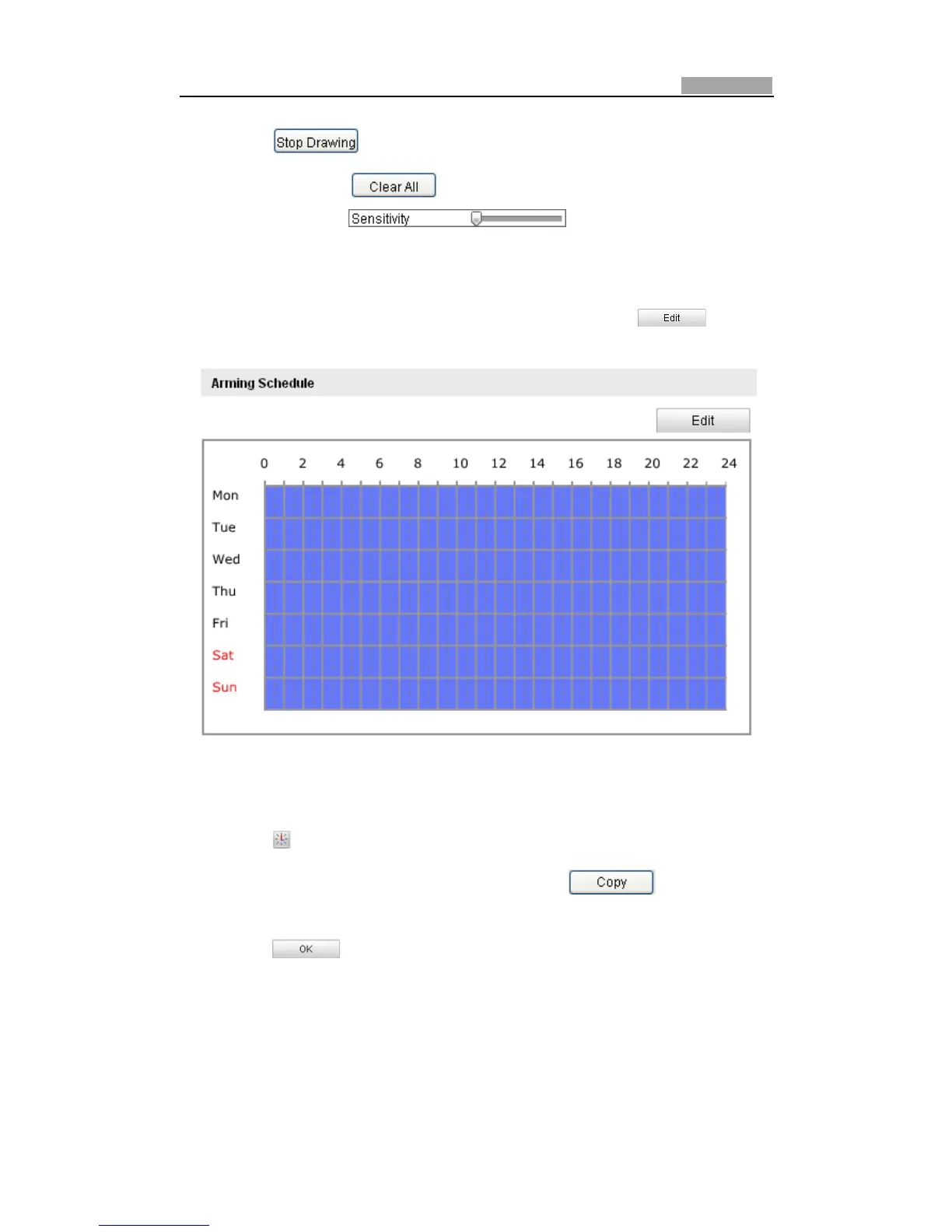
(1) ToeditthearmingscheduleasshowninFigure6Ͳ39,click in
Figure6Ͳ38.
Figure6Ͳ38 ArmingSchedule
(2) ChoosethedayyouwanttosetthearmingscheduleasshowninFigure6Ͳ39.
(3) Click tosetthetimeperiodforthearmingschedule.
(4) Afteryousetthearmingschedule,youcanclick tocopythe
scheduletootherdays(Optional).
(5) Click tosavethesettings.
Note: The time of each period can’t be overlapped. Up to 4 periods can be
configuredforeachday.



 To Next Page