RADIO42
The sound and tuning settings and the brightness of the display can be
altered using the control buttons ⇒ page 153.
Note
We recommend that you enter these settings when the vehicle is stationary.
Please note ⇒ page 6, “Notes on road safety”.
Traffic programme
Use the traffic programme option to switch the function on
and off as desired.
– Starting from any one of the radio menus, press the
⇒ page 9 button.
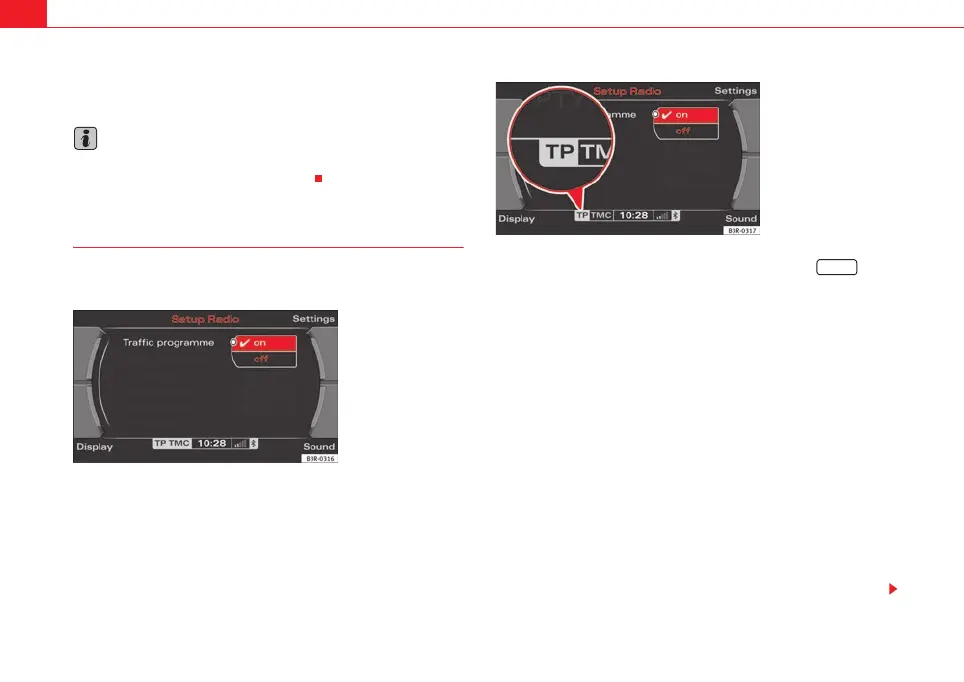
– Select the Traffic programme (on ⇒ fig. 45) function to switch
this function on.
If the traffic programme function is switched on (on), the traffic announce-
ments will also cut in when you are listening to a CD or using the navigation
system*. In addition, if the TP memo timer function ⇒ page 148 is activated,
traffic reports are automatically recorded up to 2 hours after the navigation
system has been switched off. These recorded reports can be called up via the
TP memo function ⇒ page 146.
Radio stations on MW and LW frequency bands ⇒ page 36 do not transmit
traffic news.
If you have selected a station that does not broadcast a traffic programme,
the system will tune into another traffic programme station in the back-
ground. When a traffic report is then broadcast, the system will automatically
switch to that station for the duration of the announcement and the volume
will be adjusted to the value preset for traffic reports ⇒ page 61.
The traffic news station is selected on the basis of the following criteria:
Fig. 45 Radio settings:
Traffic information
Fig. 46 Display: TP
symbol highlighted
SETUP
media_systemE_EN.book Seite 42 Montag, 21. September 2009 1:48 13



 To Next Page