MEDIA 55
Operating RADIO, MEDIA (audiovisual
systems)
NAME, TEL NAV, INFO CAR, SETUP
–Hold down the control knob.
The track advances or reverses for as long as you hold the control knob
down.
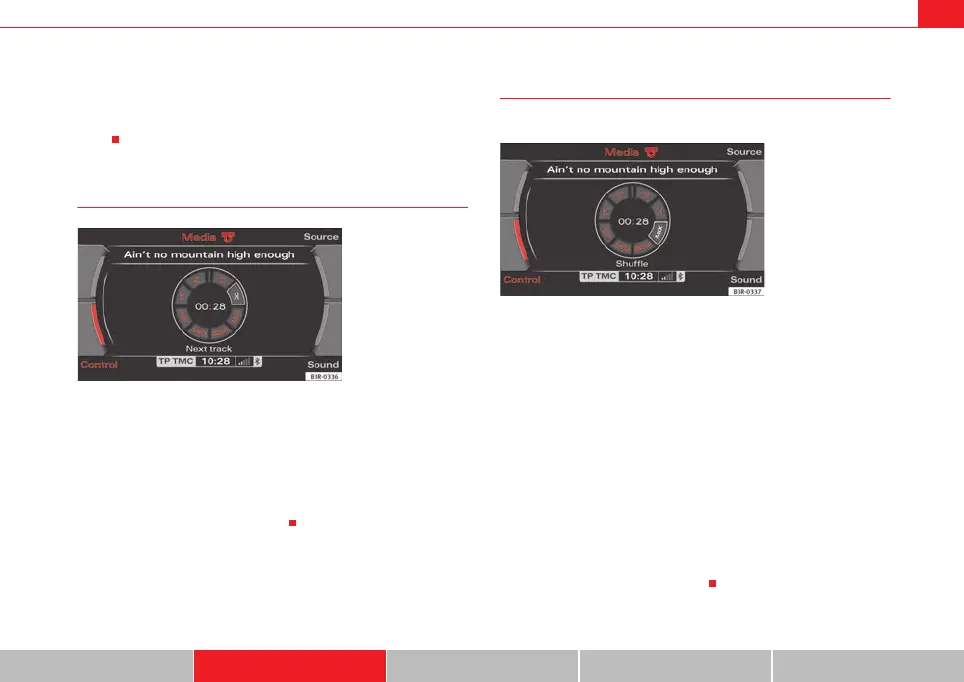
Next/previous MP3 track
– Press the MP3·control control button in the MP3 menu.
–Select >| (“next track”) or |< (“previous”) by rotating the control
knob ⇒ fig. 65.
– Press the control knob.
The next or previous track will be played.
Random MP3 play (MIX)
MP3 tracks can be played in random order.
–Press the MP3·control control button in the MP3 menu.
– By rotating the control knob, select MIX (random) ⇒ fig. 66.
– Press the control knob.
The possibilities for random (MIX) play depend on the different settings avail-
able for Repeat ("RPT") in the MP3 setup menu.
If you have switched the Repeat function off, all the MP3 tracks on the current
data medium are played in random order. However, if you have already acti-
vated a playlist, the tracks from this playlist are played first in random order
and then the entire directory.
If you set Repeat to the Folder function, only the tracks in the current folder
will be played in random order.
If you have set Repeat for a single Track, you cannot use random play. Simi-
larly, the SCAN function cannot be used.
Fig. 65 MP3: Next track
Fig. 66 MP3: Random
media_systemE_EN.book Seite 55 Montag, 21. September 2009 1:48 13



 To Next Page