MEDIA56
Scan MP3 tracks
– Press the MP3·control control button in the MP3 menu.
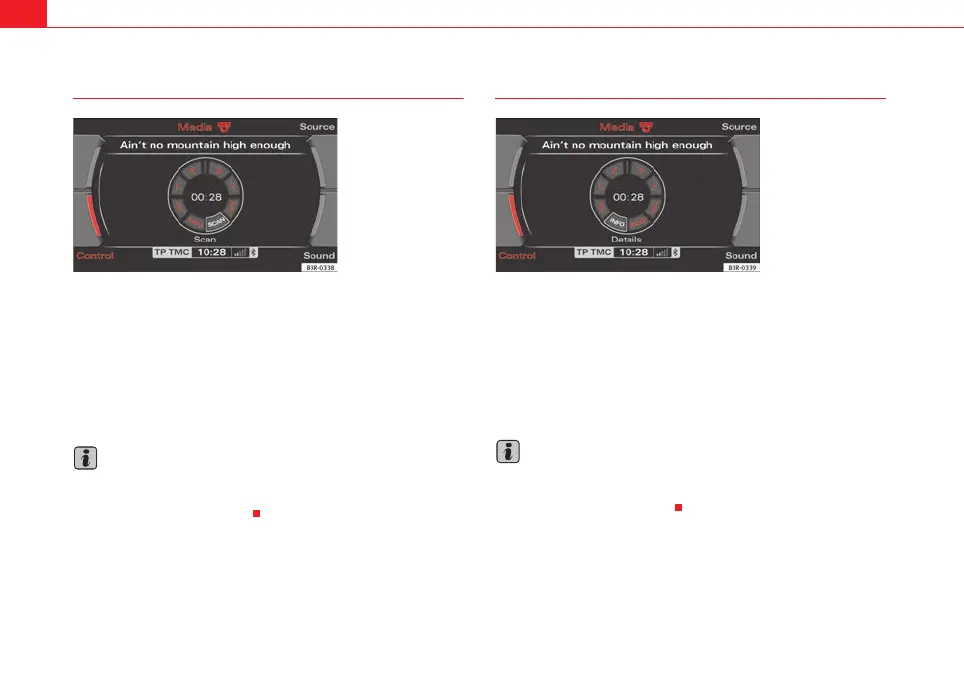
– By rotating and pressing the control knob, select SCAN ⇒ fig. 67.
Pressing the control knob activates automatic track scan. Each track of the
currently selected MP3 card or CD will then be played briefly.
When the button is pressed again, scanning stops and the track currently
being played will continue to play.
Note
Because there are different methods of generating MP3 files, it is possible
that MP3 files cannot be played or information cannot be read. Please refer to
⇒ page 22 for further information.
MP3 INFO
–Press the MP3·control control button in the MP3 menu.
– By rotating and pressing the control knob, select INFO to open
more detailed information about the current track ⇒ fig. 68.
If information on the current track (artist, album, year of recording, specific
comments and genre) has been stored in the MP3 file, you can bring up this
information using INFO.
Note
Because there are different methods of generating MP3 files, it is possible
that MP3 files cannot be played or information cannot be read. Please refer to
⇒ page 22 for further information.
Fig. 67 MP3: Scanning a
track
Fig. 68 MP3: Information
(INFO)
media_systemE_EN.book Seite 56 Montag, 21. September 2009 1:48 13



 To Next Page